
Cursor vs Antigravity vs Devin Desktop vs Zed: Which Agent-First Editor Should You Use?
By ReviewRamble editors ·
Quick verdict
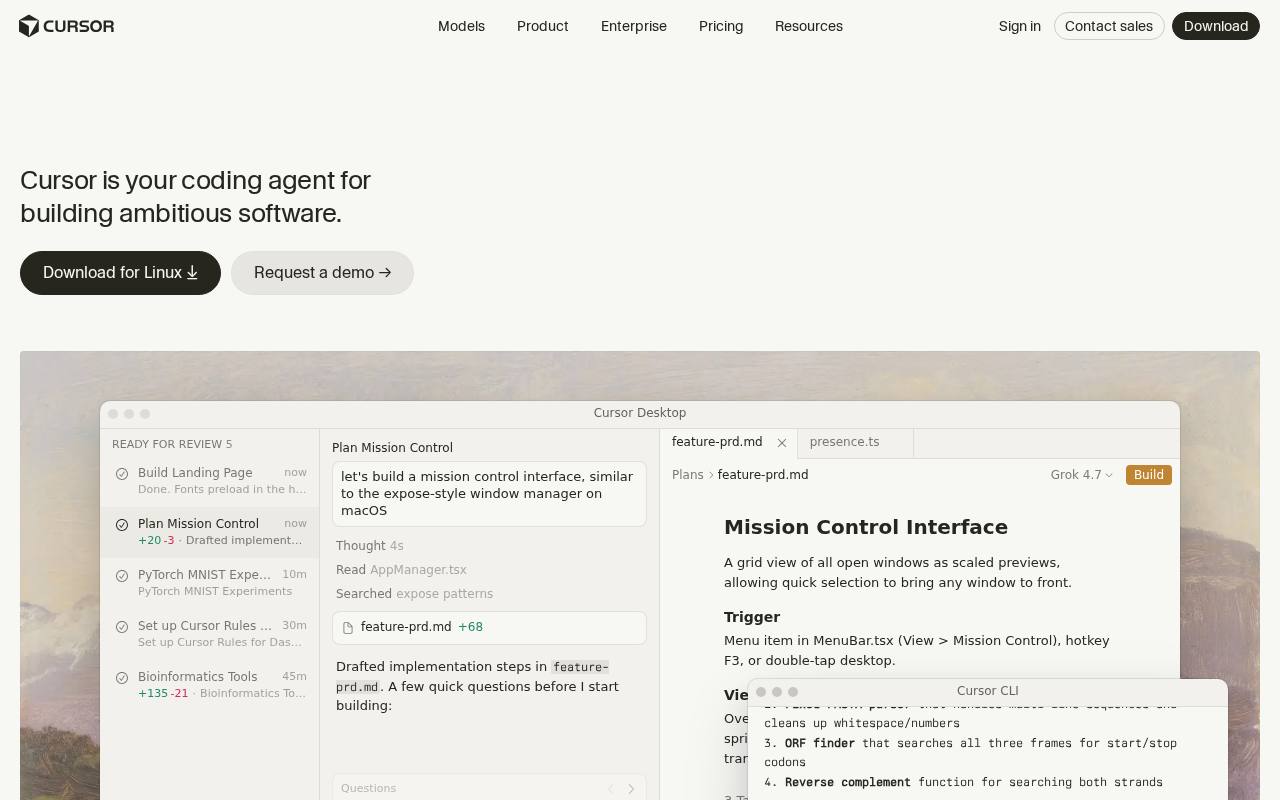
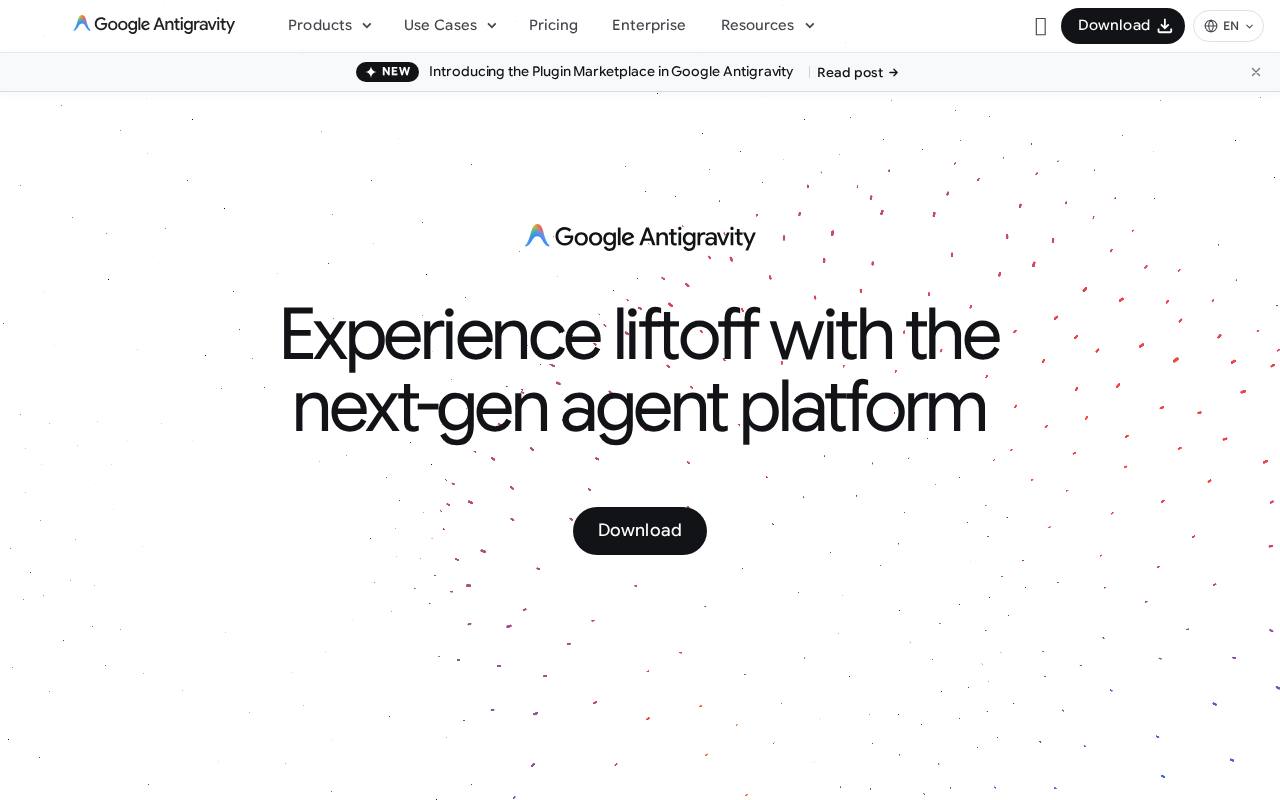
Cursor is still the editor where agents can do the most, but every model that is not Grok or Cursor's own costs extra. Google Antigravity is the cheapest serious option if you already pay for Google AI Pro, with a training default that rules it out for employer code on a personal account. Devin Desktop, the editor Cognition used to call Windsurf, puts an IDE and a cloud agent on one $20 plan. Zed is the fast native editor for people who want AI optional, billed close to cost, and are happy to bring their own agent. There is no single winner: these four disagree about what an editor is for.
Comparison at a glance
| Cursor | Antigravity | Devin Desktop | Zed | |
|---|---|---|---|---|
| Base | VS Code fork | Agent manager, IDE, CLI and SDK | VS Code-compatible IDE (formerly Windsurf) | Native Rust editor, open source |
| VS Code extensions | Yes | Ships its own IDE extensions | Yes | No |
| Cloud agents | Premium and above | Background agents and scheduled tasks; Jules separately | Devin Cloud on Pro and above | No hosted cloud agent |
| Outside agents (ACP) | Its own agents | Its own agents | Codex, Claude Agent, OpenCode and others | Claude Agent, Codex CLI and others |
| Claude models | Premium and above, at API list price | Sonnet 5.5 and Opus 5.5 on paid Pro and Ultra | Pro and above | Your own key, an outside agent, or hosted at list price +10% |
| Free tier | Limited | Baseline weekly quota | Light agent quota, unlimited Tab | Unlimited with your own keys |
| Entry paid plan | Plus $8 (Grok and Cursor models only) | Google AI Pro $19.99 | Pro $20 | Pro $10 |
| Team plan | From $30 per user | Google Cloud from $30 per seat, or pay as you go | Teams $80 a month in shared credits | Business $30 per seat |
| SSO | SAML/OIDC on Teams | Through Google Cloud | SAML/OIDC on Teams | Not yet available |
Pricing, checked on the vendors' pages on 25 November 2026
- Cursor: Free (limited); Plus $8 a month, Grok and Cursor models only; Premium $30 with four times Plus usage, cloud agents, code review and third-party models at API list price; Super $100 (15x); Ultra $200 (50x); Teams from $30 per user; Enterprise custom. Usage refreshes weekly, and third-party model usage is billed separately on every plan.
- Antigravity: Individual is free with a baseline agent quota refreshed weekly. Google AI Pro ($19.99 a month on Google's subscriptions page) adds a quota refreshed every five hours with higher weekly limits; Ultra is $99.99 (5x Pro) or $199.99 (20x). Businesses go through Google Cloud: Standard and Plus seats from $30 a month, or pay as you go with no seat fee. Pro and Ultra work only with personal Google accounts.
- Devin Desktop: Free with a light agent quota and unlimited Tab completions; Pro $20 a month with Devin Cloud, extra usage at API pricing and the option to use your ChatGPT plan; Max $200; Teams listed at $80 a month, which Cognition's billing docs describe as a flat fee paid into a shared credit pool; Enterprise custom. No quota numbers are published for any tier.
- Zed: Personal is free, with unlimited AI through your own keys or outside agents. Pro is $10 a month with $5 of hosted tokens, then API list price plus 10%, under a spending cap you set; 14-day trial. Business is $30 per seat with no included credits and no minimum.
Four ideas of what an editor is for
A year ago these would all have been described as "AI code editors". In November 2026 that label hides more than it explains. Cursor treats the editor as a control room for many agents at once. Antigravity treats it as one window onto a Google account that also includes Gemini, Jules and a CLI. Devin Desktop treats it as the local end of a cloud agent that keeps working when you close the laptop. Zed treats it as a fast text editor first, with AI as something you plug in.
That difference matters more than any feature tick box, because it decides what you end up paying for. With Cursor and Devin you pay for an agent platform. With Antigravity you pay for a Google subscription and get the editor as part of it. With Zed you pay for very little and bring the agent, or the API key, yourself.
Cursor: the most capable, now with a model tax
Cursor's Agents Window runs several agents side by side, and cloud agents work in their own virtual machines, testing their changes and recording what they did. In our reading of its release notes, almost every week adds something. If the job is "hand out five tickets and review the results", nothing here does it as smoothly.
The cost model changed when SpaceX bought Cursor's maker in August 2026. The weekly pool covers Grok and Cursor's Composer models; Claude, GPT and Gemini come out of prepaid credit at API list price, and the $8 Plus plan cannot use them at all. OpenAI has also said it would end Cursor's direct access to its models. A team that standardises on Claude should price Cursor as $30 a seat plus its real token bill.
Strengths: parallel local and cloud agents, the fastest release pace, SOC 2 Type II, ISO 27001 and ISO 42001, admin-enforced Privacy Mode. Weaknesses: third-party models billed outside every plan, sold through X Subscription Corp with X perks bundled in, SCIM and audit logs only on Enterprise.
Antigravity: excellent value with a training default
If you already pay $19.99 a month for Google AI Pro, Antigravity comes with it: the agent manager, the IDE, a CLI, a Python SDK, and Gemini 4 models including Neon, Carbon and Argon, plus Claude Sonnet 5.5 and Opus 5.5 on non-trial subscriptions. Nobody else here gives you that much for a subscription you may be paying for anyway.
Two things hold it back. On personal accounts the Antigravity terms let Google use your interactions to improve its products and allow human review, unless you change the setting. And the line-up moves quickly: the pricing page lists Gemini 4 Argon, Gemini 3.8 Flash and the Claude 4.6 models as being removed on 30 November 2026. Workspace users cannot buy Pro or Ultra at all, so a company's route is Google Cloud from $30 a seat.
Strengths: included with Google AI Pro, a wide model choice on paid tiers, a business route with spending caps. Weaknesses: personal-account training by default, no published quota numbers, a confusing overlap between the app, IDE, CLI and Jules.
Devin Desktop: an editor and a cloud agent on one bill
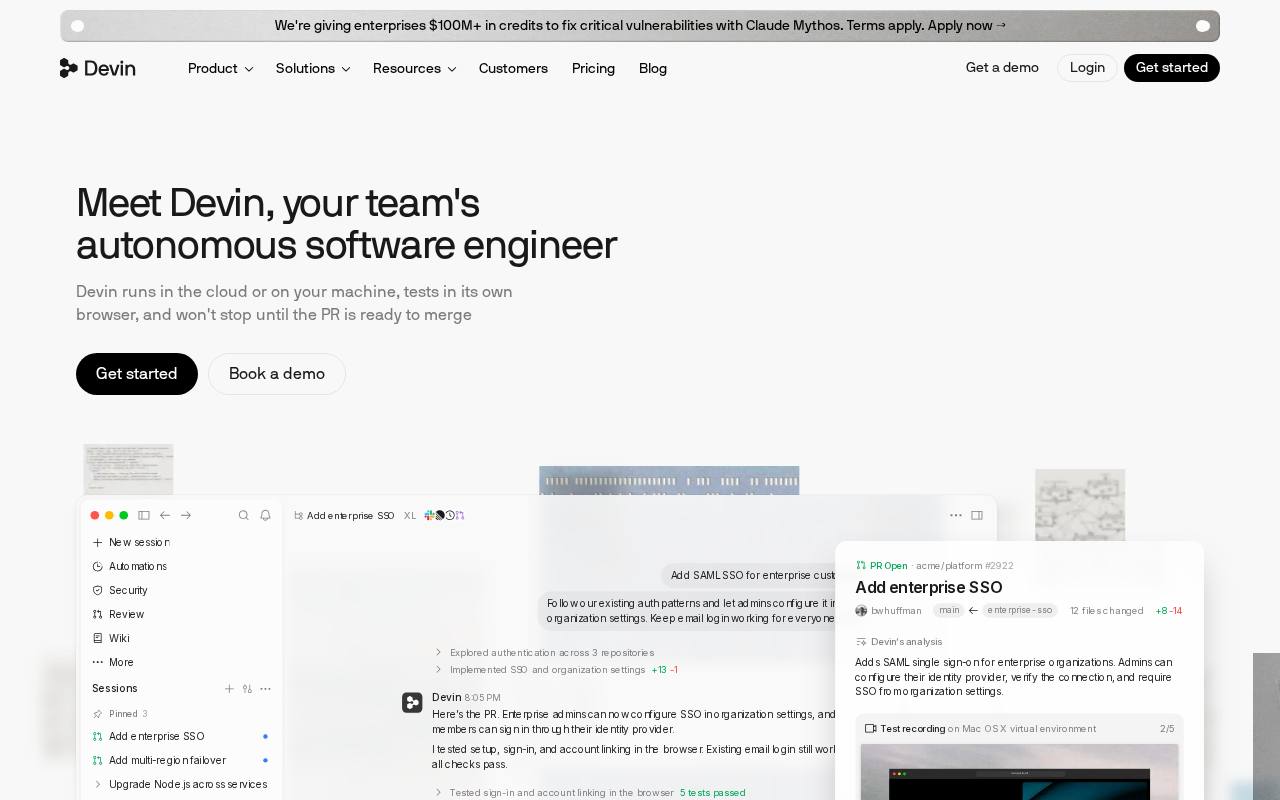
Devin Desktop is Windsurf under a new name. Cognition announced the change on 2 June 2026 as an ordinary update: settings, extensions and plans carried over, the Agent Command Center became the default view, and Devin Local replaced Cascade as the main local agent. Through the Agent Client Protocol it also runs Codex, Claude Agent and OpenCode in the same interface as Devin's own agent.
The case for it is simple: $20 gets you a VS Code-compatible editor and Devin Cloud, the autonomous agent that works on its own machine. The case against is planning. Cognition publishes no quota numbers for any plan, including the $200 Max tier, overage is billed at API rates, and Teams billing has changed more than once this year; the current page lists a flat $80 a month paid as shared credits.
Strengths: one plan for IDE and cloud agent, outside agents through ACP, cloud sessions in throwaway VMs, unlimited Tab completions even on Free. Weaknesses: no published quotas, repeated renames and re-pricing, SCIM and dedicated deployment only on Enterprise.
Zed: a fast editor that charges close to cost
Zed is written in Rust and is light enough that you notice the difference on an ordinary laptop. Its AI pricing is the most transparent of the four: Pro is $10 a month with $5 of hosted tokens, then list price plus 10%, and the free plan allows unlimited AI with your own keys or outside agents such as Claude Agent and Codex CLI.
The trade-off is ecosystem and enterprise readiness. Zed does not run VS Code extensions, its built-in agent is less developed than Cursor's, and the pricing page says SSO, SAML and SCIM are not available yet. For a solo developer or a small team running Claude Code in a side panel, none of that may matter.
Strengths: speed, fair metered pricing with a spending cap, zero-retention agreements with the main model providers, every AI feature can be switched off. Weaknesses: no VS Code extensions, no SSO, only $5 of hosted tokens on Pro.
What a team of ten actually pays
Take ten developers who each want a capable agent most days. On Cursor Teams that starts at $300 a month before any Claude or GPT tokens, which are billed at API list price on top. On Devin Teams the list price is $80 a month in shared credits, but with no published quotas the real figure depends on how fast those credits drain at API rates. On Antigravity through Google Cloud, ten Standard seats start at $300 a month with pooled credits. On Zed Business, ten seats are $300 a month with no AI included; teams that already hold Anthropic or OpenAI contracts pay those providers directly.
The headline seat prices look similar; the difference is what each seat includes. Ask each vendor for the cost of your heaviest developer's last month, not the average.
Which one for which job
| If you need | Pick | Why |
|---|---|---|
| Many agents in parallel, local and cloud | Cursor | The most mature multi-agent workflow, if you budget for third-party tokens |
| The lowest cost for personal projects | Antigravity | Included with Google AI Pro at $19.99, with Gemini 4 and Claude 5.5 models |
| An editor plus an autonomous cloud agent on one plan | Devin Desktop | Devin Cloud is included from $20 |
| Speed, privacy and bring-your-own agent | Zed | Free with your own keys; hosted AI at list price plus 10% |
| SSO for a mid-sized company | Cursor or Devin Teams | Both include SAML/OIDC; Zed does not yet |
For the wider field, including Copilot, Cline and terminal agents, see AI code editors and coding agents compared. For a two-way view, read Claude Code vs Cursor and Cursor vs GitHub Copilot; for how the agents themselves compare, Claude Code vs Codex vs Cursor vs Copilot; and if you want Zed as a place to run several agents, herdr vs Orca vs Zed.
FAQ
Is Devin Desktop the same as Windsurf?
Yes. Cognition renamed Windsurf to Devin Desktop on 2 June 2026. Existing users received it as an update with their plan, settings and extensions intact, and Devin Local replaced the Cascade agent.
Which of the four is cheapest?
Zed is free with your own API keys, and Pro is $10 a month. Antigravity is the cheapest if you already pay for Google AI Pro, since it is included. Cursor's $8 Plus plan is cheap but limited to Grok and Cursor's own models.
Can I use Claude in all of them?
Yes, on different terms. Cursor bills Claude at API list price on Premium and above. Antigravity includes Claude Sonnet 5.5 and Opus 5.5 on paid Pro and Ultra. Devin offers full model availability from Pro. Zed takes your own key, runs Claude Agent, or bills hosted Claude at list price plus 10%.
Which keeps my code out of model training?
Cursor's Privacy Mode does, and admins can enforce it. Zed keeps no prompts or code by default. Cognition says it does not train on customer code by default. Antigravity on a personal Google account uses interactions for product improvement unless you change the setting; Google Cloud customers are covered by their own contract.
Do they run VS Code extensions?
Cursor and Devin Desktop do, being VS Code-compatible. Zed does not. Antigravity ships IDE extensions alongside its own app; check the ones you rely on before switching.
Sources and verification
Prices and plan details come from the vendors' own pages, read on 25 November 2026. Plan terms vary by region, billing period and date. These are source links, not evidence that ReviewRamble ran controlled benchmarks.
- Cursor: Pricing.
- Google Antigravity: Pricing; Google: Google AI subscriptions.
- Devin: Pricing, Self-serve billing, Windsurf is now Devin Desktop.
- Zed: Pricing.
Editorial disclosure: this article contains no proprietary benchmark measurements and no affiliate-sponsored rankings.