
Ollama vs LM Studio vs vLLM vs llama.cpp: Which Should Run Your Local Models?
By ReviewRamble editors ·
Quick verdict
Ollama is the default for one developer who wants a local model behind other software, LM Studio is the one to hand someone who would rather click than type, vLLM is what you put on a GPU server when many people hit the same model at once, and llama.cpp is the engine underneath half of this list, worth running directly when you want every knob. There is no single winner, because these four do two different jobs: three of them run a model on your own computer, and one serves it to a crowd.
Comparison at a glance
| Ollama | LM Studio | vLLM | llama.cpp | |
|---|---|---|---|---|
| What it is | Command-line tool and background server | Desktop app with a built-in server | GPU serving engine for many users | C/C++ inference engine and server |
| Our rating | 4.6 | 4.4 | 4.7 | 4.8 |
| Licence | Open source (MIT) | Closed-source app, free for personal and internal business use; CLI and SDKs MIT | Open source (Apache 2.0) | Open source (MIT) |
| Price to run locally | Free | Free | Free; you pay for GPUs | Free |
| Paid extras | Ollama Cloud: Pro $20/month, Max $100/month, Team $500/month | Bionic agent app: Bionic+ $20/month, Pro $100/month | None from the project | None |
| Hardware | Mac, Windows, Linux; CPU or GPU | Apple Silicon Macs (macOS 14+), Windows, Linux; no Intel Macs | Linux with NVIDIA (T4 or newer), AMD or Intel GPUs, or CPUs; Apple Silicon only through a plugin | Almost anything: x86 and ARM CPUs, Apple silicon, NVIDIA, AMD, Intel and more |
| Model format | GGUF from its own library | GGUF everywhere, MLX on Apple Silicon | Hugging Face weights, plus FP8, GPTQ, AWQ, GGUF and others | GGUF (it defined the format) |
| Local API | Port 11434, REST plus OpenAI-compatible | Port 1234 in the docs, OpenAI- and Anthropic-compatible | OpenAI-compatible and Anthropic Messages, plus gRPC | OpenAI-compatible llama-server |
| Parallel requests by default | 1 per model (except MLX on Metal) | 4 slots since 0.4.0 | Continuous batching across all requests | Configurable slots |
| Password on the API | None built in | Off by default; API tokens since 0.4.0 | --api-key, which does not cover every route | None until you set an API key |
| Best at | One-line setup and the widest app support | Browsing and loading models with a mouse | Throughput for many concurrent users | Running on the hardware you already own |
Two jobs hiding behind one search
Most people comparing these tools have a laptop or a desktop with a decent graphics card and want a private model that answers without sending anything to a cloud. A smaller group has a rented GPU server and twenty colleagues, or a product with paying users, all of whom will hit the same model at the same moment. The first group should be choosing between Ollama, LM Studio and llama.cpp. The second group should be looking at vLLM, and nothing else on this list was built for them.
The distinction matters because the defaults are tuned for opposite cases. Ollama's FAQ sets the context window at 4,096 tokens and handles one request per model at a time unless you change it, which is sensible for a single person and a bottleneck for a team. vLLM assumes a Linux box with a data-centre GPU and packs requests together so the card never sits idle, which is wasted effort on a MacBook.
Ollama: the default plumbing
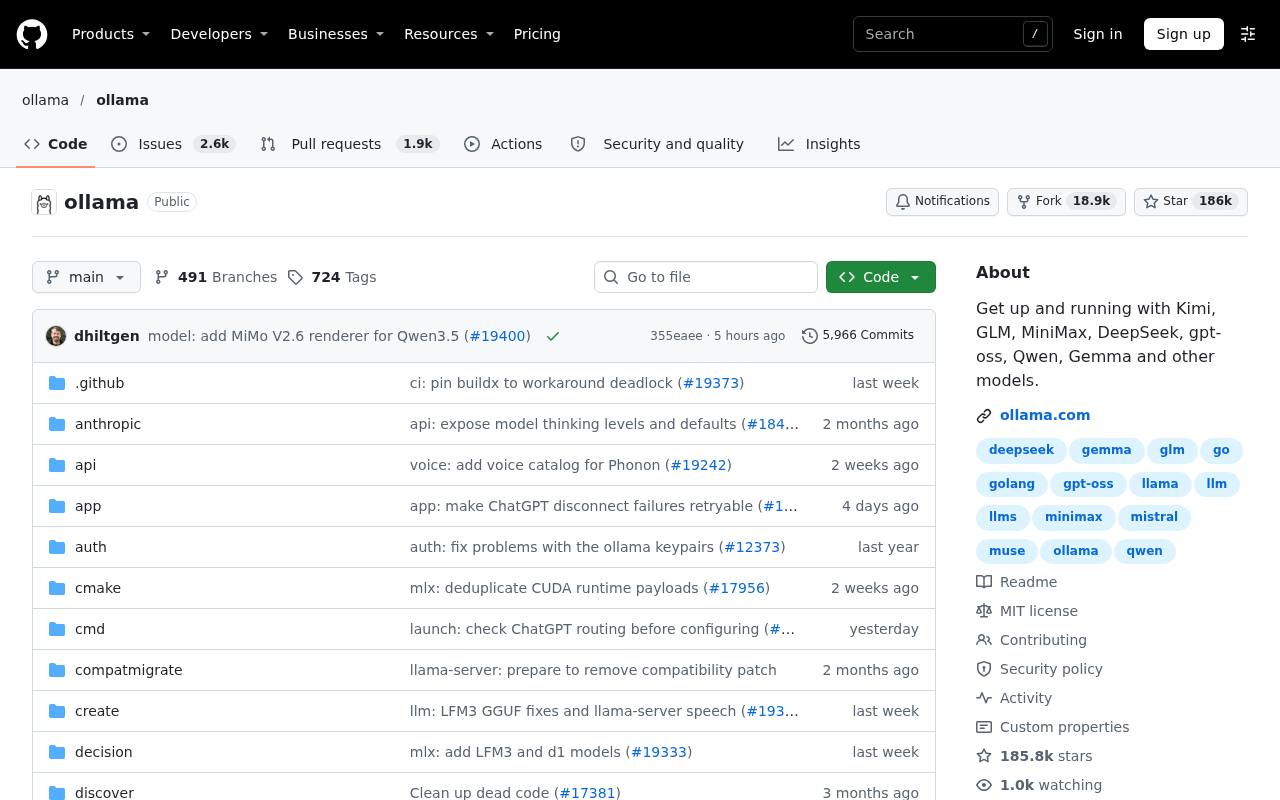
Ollama is a command-line tool that downloads a model, works out your GPU and runs a background server, all from one command. Its real strength is that other software already expects it: editors, chat apps such as Open WebUI, and coding agents list Ollama as a backend, so pointing them at localhost:11434 usually just works. It has about 184,400 GitHub stars and ships new versions most weeks.
Strengths: the shortest route from nothing to a working local API; MIT licence end to end; a Docker image for servers; an ollama launch command that wires up Claude Code, Codex and OpenCode.
Weaknesses: the 4,096-token default is too small for a coding agent reading several files, so raise OLLAMA_CONTEXT_LENGTH before you blame the model. There is no login on the API at all; setting OLLAMA_HOST to 0.0.0.0 exposes everything, and in January 2026 researchers counted 175,000 Ollama servers reachable from the internet. It also has fewer tuning knobs than llama.cpp.
The company now sells Ollama Cloud for models too large for your machine. According to the pricing page, checked on 26 November 2026, pay-as-you-go has no base fee, Pro is $20 a month ($200 a year) with $60 of usage credits and 3 concurrent requests, Max is $100 a month with $300 of credits and 10 concurrent requests, and Team is $500 a month with $1,000 of shared credits and unlimited users. Unused credits do not roll over. Running models on your own hardware stays free and unlimited.
LM Studio: the dashboard
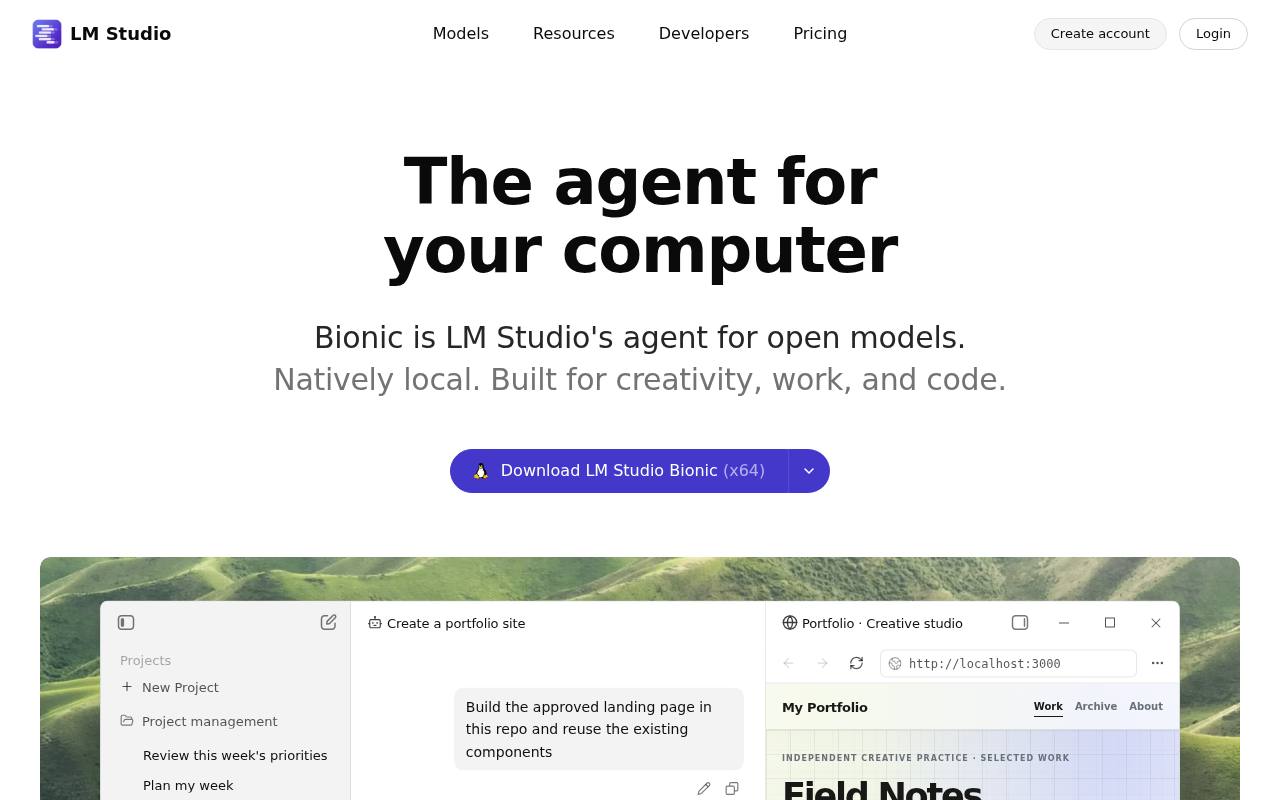
LM Studio is a desktop app. You search Hugging Face from inside it, download a model and chat, with no terminal involved. On Apple Silicon it runs MLX models, built on Apple's own framework for its chips, as well as GGUF. Switch on its server and it speaks both the OpenAI and Anthropic APIs, so Claude Code can use a local model by changing one base URL. Its terms allow personal and internal business use free of charge, but forbid running it as a hosted service for others.
Strengths: the friendliest way to compare models side by side; 4 parallel request slots by default since version 0.4.0, which makes a shared office box more practical than Ollama out of the box; llmster, the same engine without a window, for headless machines; LM Link for using a model loaded on a bigger computer over an encrypted connection.
Weaknesses: the desktop app is closed source (only the CLI and SDKs are MIT). Intel Macs are not supported, macOS 14 is the floor, and 16GB of memory is the recommended minimum. API authentication is off by default; LM Studio's own docs tell you to switch on tokens before opening the server to your network.
The paid side now lives in Bionic, a separate agent app. Its pricing page lists a free plan, Bionic+ at $20 a month with hosted open models such as Kimi K3 and GLM 5.3, and Pro at $100 a month with five times the usage limits. Teams pricing is not published. None of it is needed to run models on your own machine.
vLLM: the server for a crowd
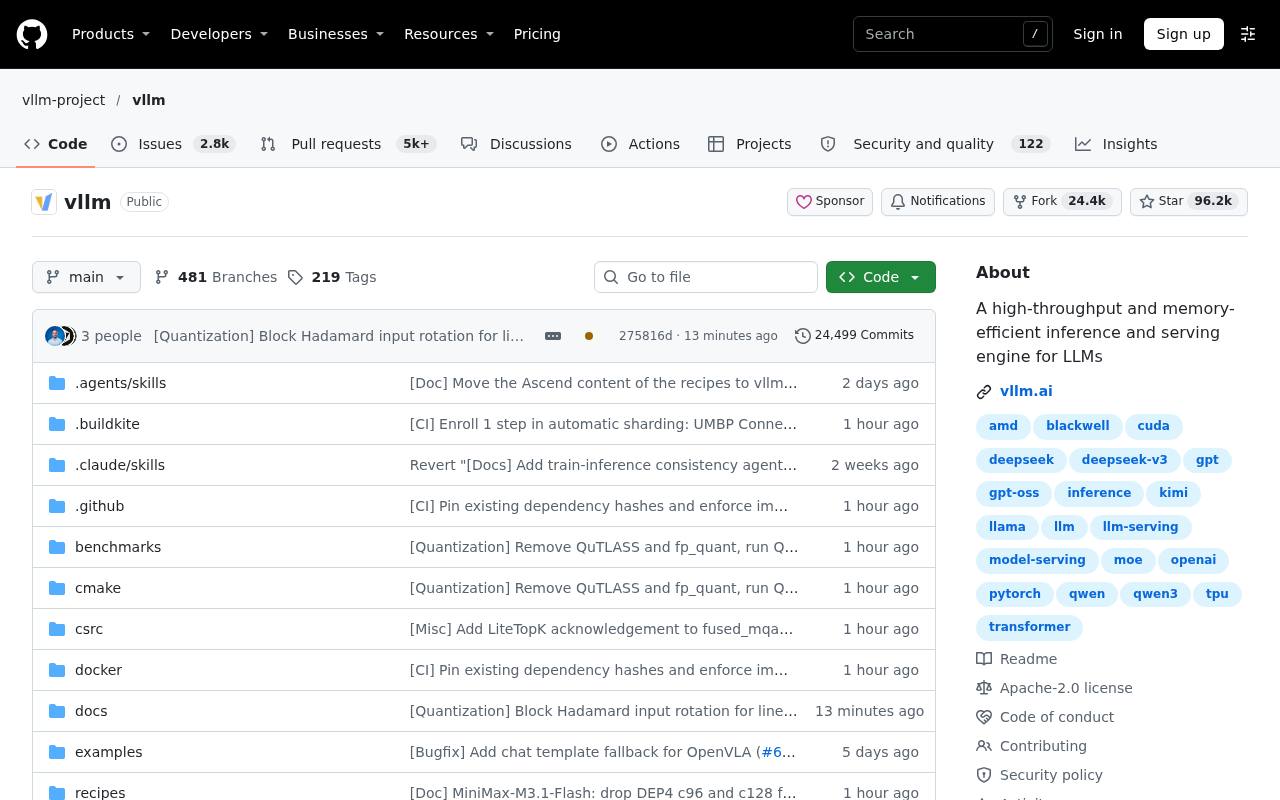
vLLM is a serving engine, not a desktop tool. Its PagedAttention design stores the model's working memory in small blocks so the GPU wastes less of it, and continuous batching slots new requests in as soon as there is room. The practical result is many more simultaneous users per card than a laptop-oriented tool can manage. It supports more than 200 model architectures, and new open-weight models usually document vLLM support on launch day.
Strengths: throughput under concurrent load; OpenAI-compatible and Anthropic Messages APIs plus gRPC; tensor, pipeline and expert parallelism for models that span several GPUs; multi-LoRA, structured outputs and tool calling; Apache 2.0 licence.
Weaknesses: it expects Linux and a proper GPU (Windows needs WSL, and Apple Silicon is supported only through a plugin). Minor releases arrive roughly every two weeks and regularly remove flags or change API behaviour. Per vLLM's own security guide, --api-key protects only some routes, multi-node traffic is unencrypted by default, and anonymous usage statistics are on unless you set VLLM_NO_USAGE_STATS=1. Someone on the team has to own it.
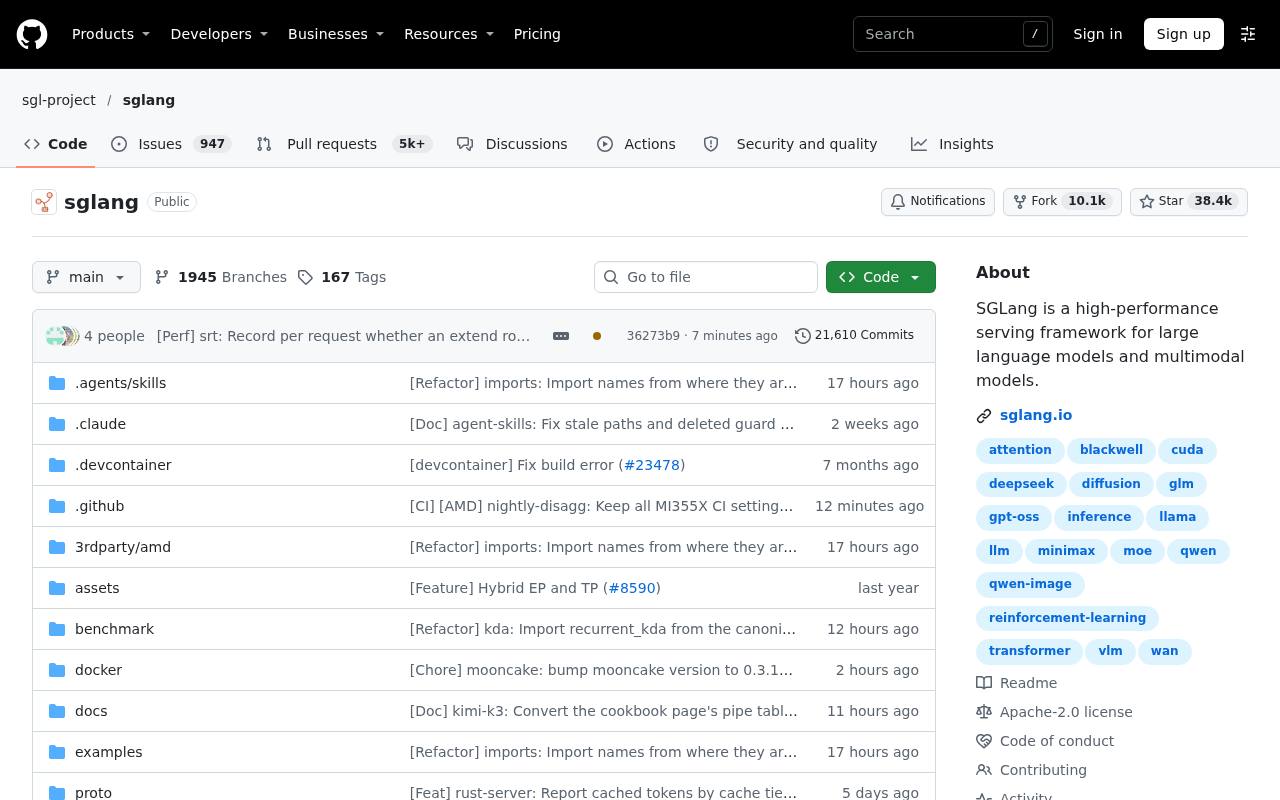
The software is free; the GPUs are not. On Lambda, an H100 PCIe costs $3.29 an hour, about $2,400 a month if left running. If your traffic is heavy on repeated long prompts, as agent workloads often are, SGLang is the other engine worth benchmarking.
llama.cpp: the engine room
llama.cpp is the C/C++ engine that made local models practical, and the home of the GGUF format most local models are shared in. LM Studio uses it for GGUF files, and Ollama grew out of it. Running it directly gives you every option the wrappers hide: exact quantisation, how many layers go to the GPU, how many parallel slots the server keeps. One codebase covers x86 and ARM CPUs, Apple silicon, NVIDIA, AMD, Intel, Ascend and Snapdragon hardware, which is why support landing here usually decides when a new open model becomes usable on consumer machines.
Strengths: the widest hardware reach of anything here; new model support often lands first; one-line installers from llama.app plus prebuilt binaries and Docker images; a built-in web chat and an OpenAI-compatible llama-server; MIT licence and no paid edition.
Weaknesses: flags and defaults move fast (version 0.7.0 moved the server's default port and changed its output format, both of which break scripts). It is a toolkit, so you choose and download model files yourself. The RPC backend for splitting a model across machines had a critical remote code execution flaw in March 2026 and the project calls it proof-of-concept; never expose it to an open network. Throughput under many concurrent users trails vLLM.
What it actually costs
All four are free to run on hardware you own. The bill arrives in three other places.
- Your machine. A model has to fit in memory. LM Studio recommends 16GB as a floor; larger, more capable models want 32GB or more, or a graphics card with plenty of its own memory.
- Optional cloud add-ons. Ollama Cloud from $20 a month, LM Studio's Bionic from $20 a month. Both are for when your laptop is not enough, and both are skippable.
- GPU rental for vLLM. One always-on H100 at Lambda's $3.29 an hour is roughly $2,400 a month, before the engineering time it takes to keep up with releases.
Which one for which job
| Your situation | Our pick | Why |
|---|---|---|
| A developer wanting a local model behind an editor, agent or app | Ollama | One command, and most tools already list it as a backend |
| A colleague who has never opened a terminal | LM Studio | Search, download and chat in one window |
| An Apple Silicon Mac, getting the most from its chips | LM Studio | Runs MLX models as well as GGUF |
| A small office sharing one desktop GPU | LM Studio (llmster), or Ollama with OLLAMA_NUM_PARALLEL raised | LM Studio starts with 4 slots; Ollama needs one setting changed |
| A product or team API with many concurrent users | vLLM | Continuous batching keeps the GPU full |
| Old, unusual or low-power hardware | llama.cpp | Runs on more chips than anything else |
| Fully open source code, end to end | Ollama, vLLM or llama.cpp | LM Studio's desktop app is closed source |
| Squeezing in a model that barely fits | llama.cpp | Exact control over quantisation and GPU offload |
Our take: think of llama.cpp as the engine, Ollama and LM Studio as two different dashboards built on top of it, and vLLM as a different vehicle entirely. A single person is almost always happiest with Ollama or LM Studio, and plenty of people install both. The moment a second, third and tenth user arrive at once, the question stops being which app you like and becomes whether you have someone to run vLLM properly. For the two-way detail on the desktop pair, see our Ollama vs LM Studio comparison.
Frequently asked questions
Is LM Studio or Ollama better?
Neither is better across the board. Ollama suits developers who script and want a local API other software already supports; LM Studio suits people who want to browse and load models with a mouse, and it starts with 4 parallel request slots against Ollama's 1. Ollama is fully open source; LM Studio's desktop app is not.
Is vLLM faster than Ollama?
For many simultaneous users on a data-centre GPU, yes, because vLLM batches requests together continuously. For one person on a laptop the difference matters far less, and vLLM's Linux and GPU requirements make it the wrong tool there.
Do Ollama and LM Studio use llama.cpp?
LM Studio runs GGUF models through llama.cpp and MLX models through Apple's framework. Ollama grew out of llama.cpp and uses the GGUF format, but it is not a thin wrapper.
Are these tools free for commercial use?
Ollama and llama.cpp are MIT-licensed and vLLM is Apache 2.0, so all three allow commercial use. LM Studio's terms allow free personal and internal business use but forbid offering it as a hosted service. The model you run has its own licence, which you must check separately.
Can I run vLLM on a Mac?
Only through a hardware plugin for Apple Silicon; the core build targets Linux with NVIDIA, AMD or Intel GPUs, or x86, ARM and PowerPC CPUs. On a Mac, LM Studio with MLX or llama.cpp with Metal is the practical choice.
Is it safe to expose a local model server to my network?
Not without a password. Ollama has no built-in login, llama.cpp has none until you set an API key, LM Studio's tokens are off by default and vLLM's API key does not cover every route. Keep servers on localhost, or put them behind a login or a private network such as Tailscale.
Sources and verification
Prices were checked on the vendors' own pages on 26 November 2026. These are source links, not evidence that ReviewRamble ran benchmarks.
- Ollama: Pricing and FAQ
- LM Studio: Pricing and App terms
- vLLM: GitHub repository and Security guide
- llama.cpp: GitHub repository
- Lambda: GPU pricing
Editorial disclosure: this article contains no proprietary benchmark measurements and no affiliate-sponsored rankings.