
socratic-tutor vs teach: Jane Street's strict quiz master or Matt Pocock's course in a folder
Share this page:XLinkedInFacebookRedditWhatsAppEmail
By ReviewRamble editors ·
Jane Street's socratic-tutor and Matt Pocock's teach both turn a coding agent into a tutor, and they put the teaching in different places. socratic-tutor keeps everything inside the conversation and grades you strictly as it questions you. teach treats the folder you run it in as a classroom and fills it with files you can open in a browser weeks later. We read both SKILL.md files in full for this comparison; we have not taken a course with either.
The short answer
- To be drilled on a topic until you can answer without help, in any chat window: socratic-tutor, from Jane Street Agent Skills (our review: 3.7).
- To learn something over weeks, with HTML lessons and a record of what you know saved to disk: teach, from Matt Pocock's Skills (our review: 4.5).
How they differ
| socratic-tutor | teach | |
|---|---|---|
| What it is | One SKILL.md of about 100 lines | A SKILL.md plus four format files, shipped in a larger pack |
| How it starts | Fires on "teach me", "quiz me" or "drill me"; skips one-off "explain X" questions | Only when you type /teach; the model cannot start it on its own |
| First step | A diagnostic of 3 to 5 questions across 4 to 10 subskills | An interview about why you want to learn, written to MISSION.md |
| Teaching style | One question, then silence until you answer | Short HTML lessons with quizzes and practice, citing sources |
| Progress | A level from 0 to 5 per subskill, drawn as an ASCII map | Numbered learning records in learning-records/ |
| What it saves | Nothing; "save state" prints a block to paste into a later session | MISSION.md, RESOURCES.md, NOTES.md, lessons/, reference/, learning-records/ and assets/ |
| End point | Every subskill at 4/5 (or 5/5), then a final mixed assessment | No set end; the mission decides what comes next |
| Runs in | Any agent that reads SKILL.md, or pasted into a plain chatbot | An agent that can write files in your working directory |
| Licence | MIT, free | MIT, free |
How socratic-tutor runs a session
socratic-tutor first checks that you want a course at all. A one-off "what is X" gets a normal answer, and if your intent is unclear it asks one short question before starting. Then it splits the topic into 4 to 10 subskills, or a two-level tree for broad subjects, and runs a diagnostic of 3 to 5 questions from easy to hard. It teaches nothing until the diagnostic is over. You then see an ASCII skill map with a proposed starting point, which you can override.
In the loop it asks one question and ends its message there, with no hints or sample answers after it. The questions ask you to predict an outcome, explain why, find the flaw in a plausible wrong claim or apply an idea to a new case. When you are wrong it asks a narrower question that exposes the contradiction, and it explains directly only after 2 to 3 failed attempts, then tests the same idea again from another angle. When you are right it sometimes pushes back to see whether you can defend the answer. If the agent has tools, it sets exercises such as predicting what a piece of code prints, and it checks the output you actually get.
How teach runs a session
teach starts with your reason for learning. If MISSION.md is empty, its first job is to ask why you want this, and the format file pushes for a concrete outcome: "Ship a Rust CLI to my team" over "learn Rust". The mission also lists constraints and what is out of scope, and the format says it should fit on one screen. Next comes research. The skill tells the agent never to trust its own parametric knowledge, so until RESOURCES.md is well populated, its main job is finding high-trust sources and annotating each one.
The unit of teaching is a lesson: one short HTML file in lessons/, numbered from 0001, meant to give you one tangible win at the edge of what you can already do. Each lesson cites its claims, recommends one primary source to read or watch, links to other lessons and reference pages, and reminds you to ask the agent follow-up questions. Where it can, the agent opens the file for you from the command line. Practice runs on quizzes and small in-browser tasks with immediate feedback. We like its rule against giveaway quizzes: every answer option should have the same number of words, and the correct one should move position between questions. Shared styles and widgets go in assets/, so the lessons look like one course.
What each one stores
socratic-tutor writes nothing to disk. Your levels, misconceptions and the ground covered live in the conversation, and the "save state" command prints a compact block you can paste after "resume from:" in a new session. That makes it portable, and it also means a lost chat is a lost course unless you saved.
teach keeps everything in the directory you ran it in. MISSION.md holds the goal and RESOURCES.md the sources, split into knowledge and communities; NOTES.md is a scratchpad for your preferences. Lessons and reference pages are HTML files, and learning records are Markdown. A GLOSSARY.md format also ships with the skill, and once a glossary exists every lesson should use its terms. The skill expects you to come back to the reference pages, written to print well, far more often than to the lessons. If you installed it early, update: a commit on 7 October 2026 anchored these paths to your working folder, because agents had been writing courses into ~/.claude/skills.
How each one judges mastery
socratic-tutor is strict and explicit about it. A level rises only after two or more independent checks, at least one of them unprompted recall, so getting it right straight after being told the answer does not count. A vague or half-right answer counts as wrong. It re-tests earlier subskills without warning and lowers your level if you fail. Level 5 needs you to handle an edge case and explain the idea well enough to teach it. The course ends when every subskill reaches the target, 4/5 by default or 5/5 if you asked for full mastery, and then you sit a final mixed test with at least one question per subskill and one integrative problem. The skill also tells the model not to flatter you.
teach tracks progress through learning records. The agent writes one when you show real understanding of something non-trivial, state prior knowledge, correct a misconception or change your mission, and the format says plainly that coverage is not learning. The agent reads those records to pick the next lesson. Its theory of retention is spelled out: quick recall in the moment can feel like mastery, so lessons build long-term retention through retrieval practice and spacing, plus interleaving for skills practice. There is no level and no final exam, which some learners will miss.
Install
socratic-tutor is one folder. Copy socratic-tutor into your agent's skills folder and ask it to teach you a topic, or paste the body of SKILL.md into a chatbot's custom instructions. Jane Street exports it from an internal repository and does not accept pull requests that change the text, so any changes belong in your own copy.
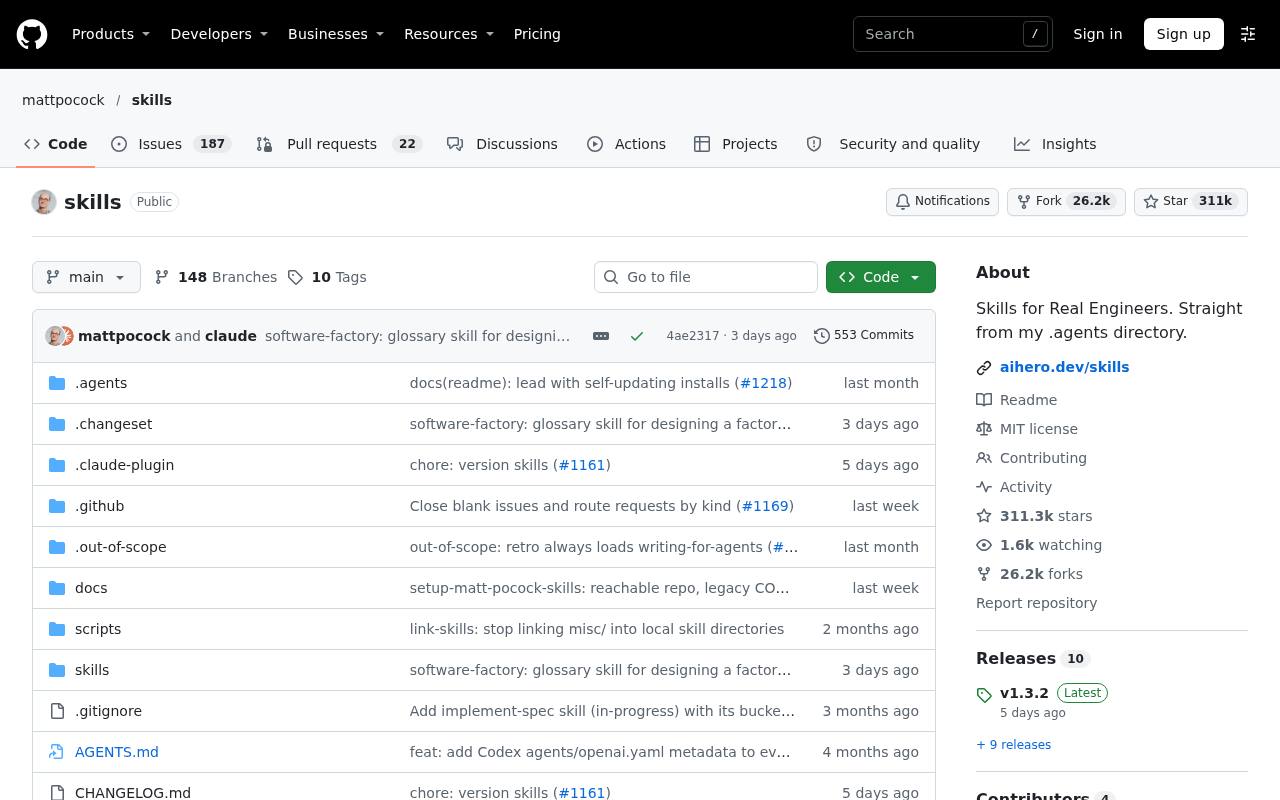
teach comes with the rest of Pocock's pack. In Claude Code, claude plugin install mattpocock-skills@claude-plugins-official installs it and keeps it updated. Codex, Copilot and Gemini CLI have their own commands in the README, and npx skills@latest add mattpocock/skills copies editable files for other agents. The README warns against installing through both the plugin and npx for the same agent, which gives you every skill twice. Then make a folder for the topic, open your agent there and run /teach.
When to pick which
socratic-tutor suits a bounded subject you want to be tested on, such as SQL window functions before an interview or the way a codebase handles errors. It works in any chat, and its grading is hard to fool. Its ceiling is the model: it teaches from what the model knows, so on a subject the model gets wrong it will grade you strictly against the wrong answer.
teach suits a longer goal with a real reason behind it, like learning enough Rust to ship a tool, and it also handles physical skills, where lessons become step lists and reference pages become routines (the skill itself uses yoga as an example). You need an agent with file access and some patience, since the first sessions go to the interview and the source hunt. Its citations are its answer to the accuracy problem, though the result still depends on the agent choosing good sources.
Using them together
The two fit well if teach owns the course and socratic-tutor runs the drills. Keep the workspace and lessons from teach, and when a lesson ends, ask the agent to quiz you on that subskill with socratic-tutor. Paste its "save state" block into NOTES.md so the next session can pick it up, and ask the agent to turn a passed drill into a learning record. Watch for one collision in Claude Code: socratic-tutor's description fires on "teach me", so typing "teach me" inside a teach workspace may start the Socratic loop. Start lessons with the /teach command and say "quiz me" when you want a drill.
Our take: socratic-tutor is the better examiner and teach the better course designer. If you only want to find out whether you understand something, the Jane Street file is enough. If you want material you can come back to in a month, teach's folder is worth the setup, and socratic-tutor's grading rules make a good test at the end of each lesson.