
herdr vs Orca vs Zed: where to run several coding agents at once
By ReviewRamble editors ·
Running one coding agent is easy. Running four is a juggling act: which one finished, which one is stuck on a permission prompt, and which two are about to edit the same file. herdr, Orca and Zed each answer that, from three different starting points. herdr is a terminal, Orca is a control room and Zed is an editor. All three are free to start, and all three run the agents you already pay for.
The short answer
- You work in a terminal, often on a remote server, and want agents to keep running when you close the laptop: herdr (4.4).
- You want to send one task to several agents, compare their diffs and merge the best: Orca (4.2).
- You mostly write code yourself and want agents in the same window as your editor: Zed (4.2).
How they differ
| herdr | Orca | Zed | |
|---|---|---|---|
| What it is | Terminal multiplexer with a background server | Desktop app for a fleet of agents | Code editor with a Threads Sidebar |
| Agents | 22 agent CLIs detected out of the box | 34 named in the README; any terminal agent works | Zed's own agent, outside agents over ACP (Claude, Codex, OpenCode, Copilot, Cursor and others) and terminal threads |
| Isolation | Git worktrees optional, from the sidebar | One git worktree per agent, always | Worktrees optional, from the title bar |
| Status at a glance | Reads each pane: working, blocked, done or idle | One list of agents and which have finished | Status indicator per thread in the sidebar |
| Reviewing work | In your terminal and git tools | Diff view; comments go back to the agent | Editor diff and your normal git flow |
| Remote machines | Saved SSH machines; agents survive disconnects | SSH worktrees; installs its own runtime on the host | Remote projects |
| Phone | iOS and Android apps for the desktop version; SSH for the terminal one | iOS and Android companion apps | No |
| Licence and price | Apache-2.0, free | MIT, free | Open source; Personal free, Pro $10 a month, Business $30 per seat |
| Latest release | v0.9.5, 14 October 2026 | v1.4.259, 14 November 2026 | v1.28.1, 11 November 2026 |
herdr: the terminal that knows which agent needs you
herdr works like tmux, but it reads what each agent is showing on screen and marks it working, blocked, done or idle. The one waiting on a permission prompt lights up in the sidebar, so you stop cycling through windows to find it. A background server owns the terminals, so closing the laptop or losing an SSH connection does not stop anything; after a full restart it brings back your layout and resumes the conversation for 18 agents whose resume command it knows.
It adds reach, not safety. Agents run with your full permissions, plugins are not sandboxed, and the docs warn that an unfamiliar prompt can show as idle. It has about 51,000 GitHub stars and a fast release pace.
Since October there is also a second Herdr: a native desktop app for macOS, Linux and Windows, built on a small server called herdr-core, so agents keep running when you close the window. You reshape it by asking an agent: layouts, tabs, keys and themes are plain files with an AGENTS.md that explains them, and the gallery lists 312 layouts and 576 mods, from Kanban boards to Git panels. Phone apps for iPhone, iPad and Android connect over SSH or Tailscale, with no account. It is free and open source too, but it does not share agents with the terminal version, so pick one. The risk is the obvious one: an afternoon of tinkering can quietly replace an afternoon of work.
Orca: one task, several attempts, pick the winner
Orca is built around worktrees. Every agent gets its own isolated copy of the repository, so five agents can try the same prompt without touching each other's files. You compare the diffs side by side, leave comments that go straight back into the agent's prompt, and merge the best result. GitHub and Linear boards sit inside the app, and phone apps let you approve work away from your desk.
Two things to know. Telemetry is on until you switch it off, though the docs say it never includes code, prompts or file paths. And fanning one prompt across five agents uses roughly five times the tokens, which matters on Claude Max or Codex plans with limits. With about 125,000 stars and a release almost every day, it also changes quickly underneath you.
Zed: agents beside the code you are writing
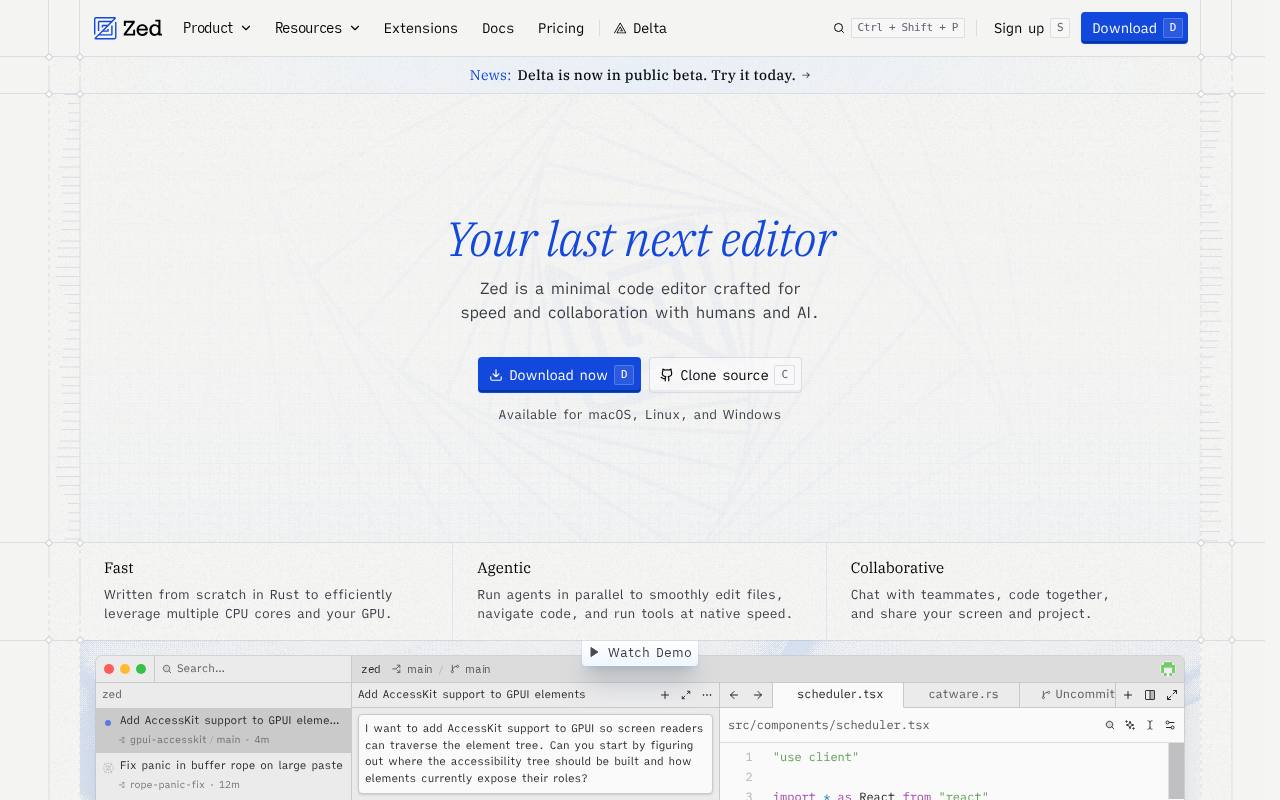
Zed is first a fast native editor, and its Parallel Agents feature adds a Threads Sidebar where each thread runs independently, with its own agent and conversation. One thread can use Zed's built-in agent while another runs Claude Code or Codex through the Agent Client Protocol, and terminal threads run any agent CLI. If two threads might touch the same files, the docs suggest starting one in a new git worktree.
It suits people who still do most of the coding themselves and hand agents side jobs. It is not a fleet manager: there is no side-by-side comparison of attempts, it does not run VS Code extensions, and its Business plan lacks SSO.
Cost
herdr and Orca are free for any team size. Zed is free with your own API keys or outside agents; Pro is $10 a month and Business $30 per seat. In every case the real bill is the agents themselves, and running more of them in parallel uses more of your plan, faster.
Our take: herdr is for people who think in terminals and servers, Orca for people who want to manage agents like a small team and judge their work side by side, and Zed for people who want an editor first and agents second. They also combine: herdr on a build server, Zed on the laptop for your own edits.