
How to run a local LLM on the computer you already own
Share this page:XLinkedInFacebookRedditWhatsAppEmail
By ReviewRamble editors ·
A local LLM is a language model that runs on your own computer instead of a company's servers. Once the model file is on your disk you can chat with it offline, and what you type stays on the machine. How much memory that machine has decides which models it can run, and the ones that fit an ordinary laptop still trail Claude and GPT on hard tasks.
What you download
A local LLM comes in two parts. The model is one large file of numbers, called weights, that you download once, usually from Hugging Face. The app is the program that loads the file and turns your messages into replies. Either can be swapped: the same model file works in several apps, and one app can hold dozens of models.
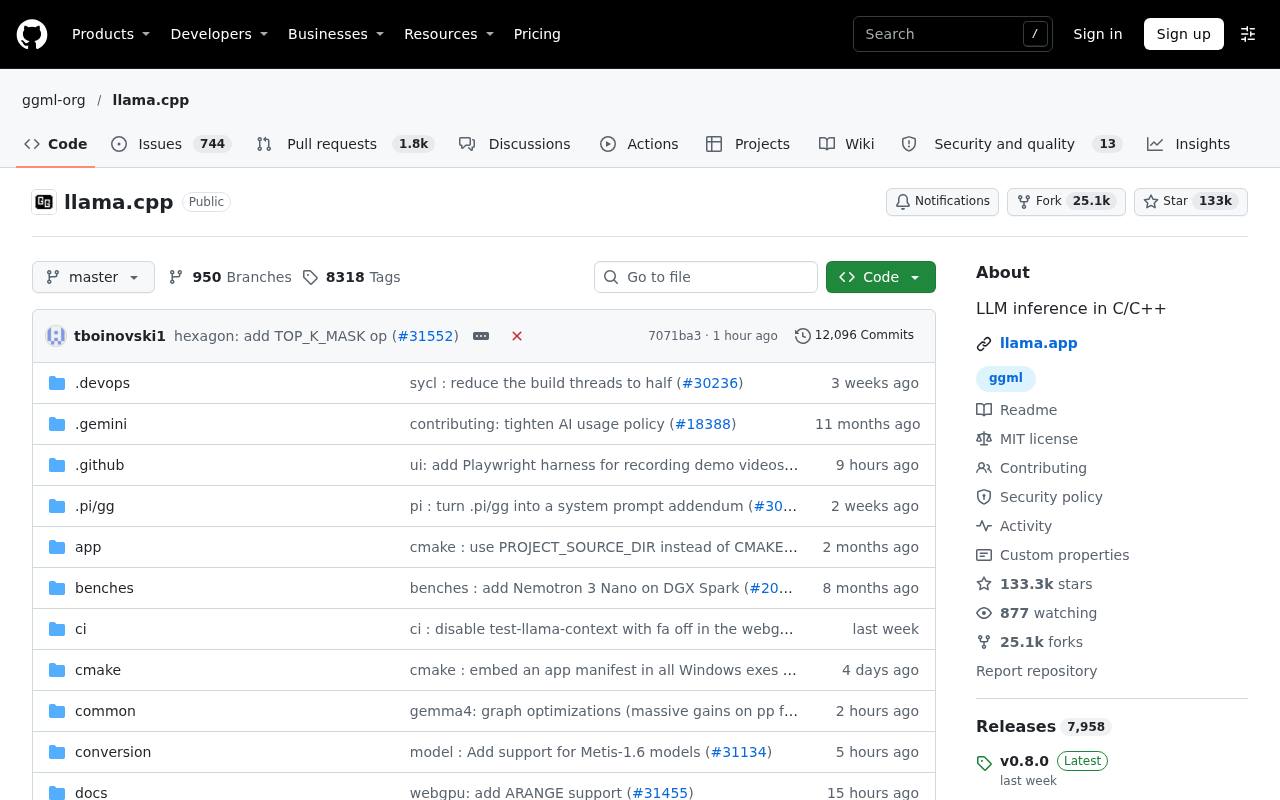
Most model files you will meet end in .gguf. The format comes from llama.cpp, the open-source engine underneath many of the apps below. A GGUF file is usually quantised, which means its numbers are stored with less precision so the file takes less space. llama.cpp handles versions from 1.5-bit to 8-bit, and 4-bit is the common choice: a fraction of the original size for a small loss in quality.
How much memory you need
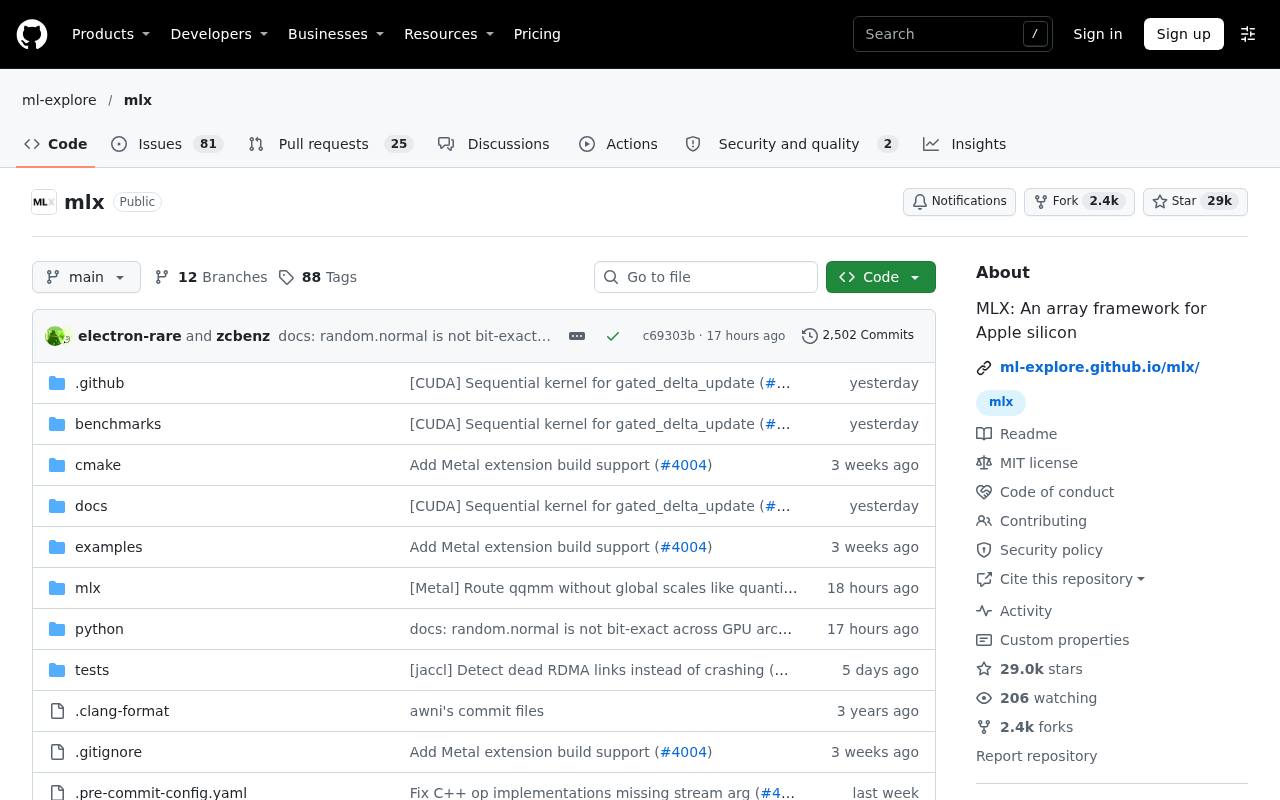
Memory matters more than processor speed. The whole model has to sit in memory while it works, with some room left for the conversation it is reading. On a PC with a graphics card, the fast memory is the card's own (VRAM). On an Apple silicon Mac the graphics chip can use all of the system memory, so a Mac with plenty of RAM can hold models that would need a far larger graphics card elsewhere, as our MLX review explains.
As a rough rule, a 4-bit model needs a little over half a gigabyte per billion parameters, plus at least a gigabyte for the app and the conversation. That is the arithmetic behind our GPU calculator, where you can look up any open model and see whether it fits your card. Jan's README puts it in plain terms for a Mac: 8 GB of RAM for 3B models, 16 GB for 7B and 32 GB for 13B. LM Studio treats 16 GB as the recommended floor and asks for at least 4 GB of dedicated graphics memory on Windows.
Which app to install
The first choice is whether you would rather click or type a command.
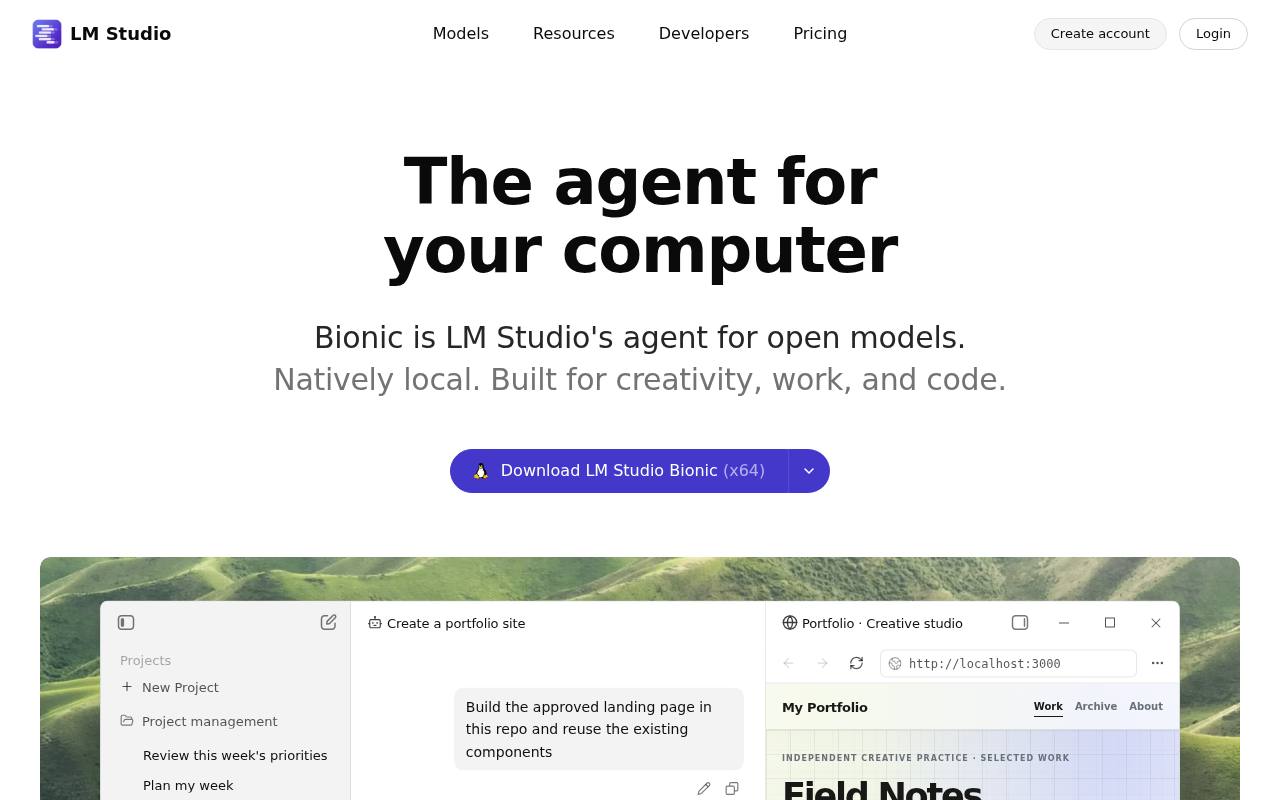
LM Studio (4.4) is the easiest start for clickers. You search for a model inside the app, download it and chat. It has been free for home and work use since 8 July 2025, though the app is closed source. On a Mac it needs Apple silicon and macOS 14.0 or later, so Intel Macs are out.
Jan (4.2) is the open-source desktop alternative, under Apache 2.0, with no account and analytics only if you agree to them. It runs models through a bundled copy of llama.cpp and can also reach cloud models with your own API keys. Intel Macs cannot run local models in Jan either.
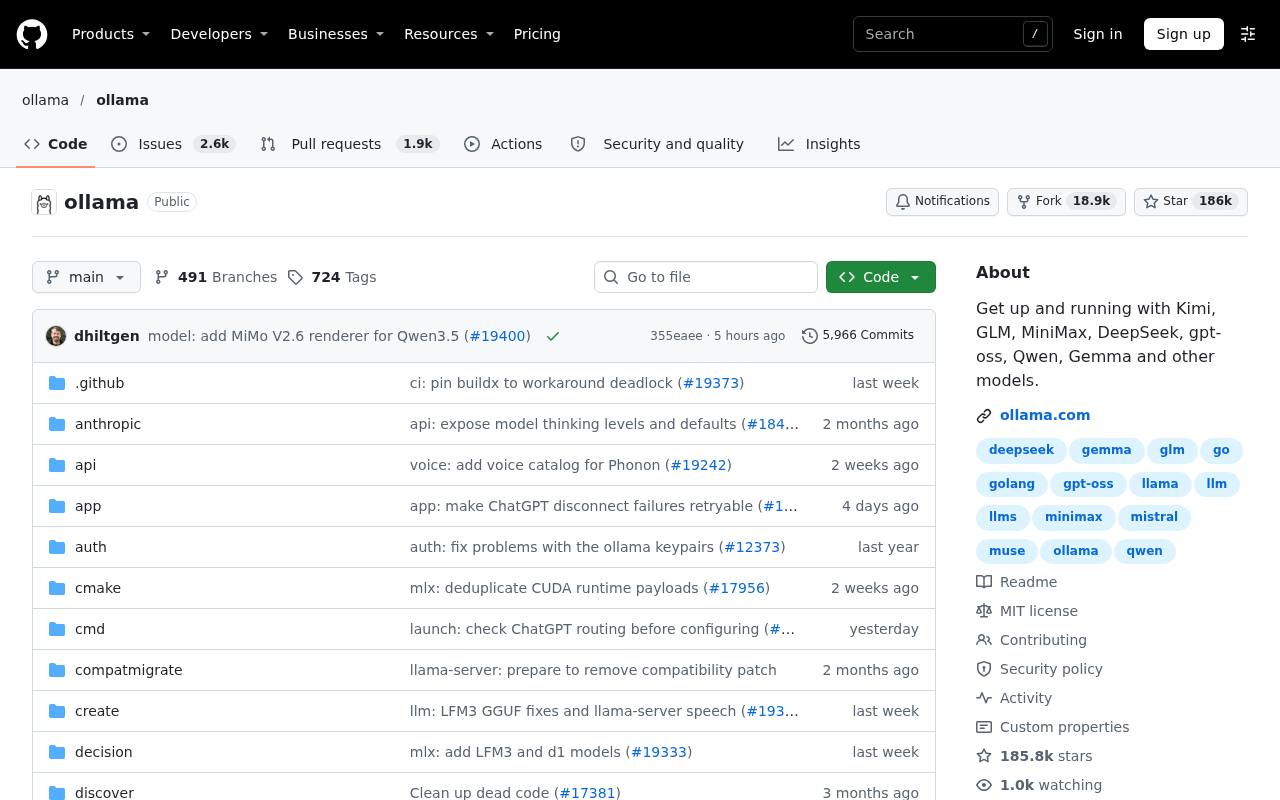
Ollama (4.6) suits anyone happy to type one line. ollama run followed by a model name downloads the model and starts a chat on macOS, Windows or Linux. So many editors, chat apps and coding agents accept Ollama as their backend that it has become the default local API. Change one setting early: its FAQ says the model reads only 4,096 tokens of conversation unless you raise the limit, which is too little for a long document or a coding agent reading several files.
To get a ChatGPT-style page in the browser on top of Ollama, people usually add Open WebUI (4.6). One docker run command serves it on port 3000, and it has user accounts, so a household or a small office can share one machine. It is also a large web app that published 159 security advisories in 2026, so it needs updating like one.
A few more are worth knowing once the basics work:
- llama.cpp (4.8) is the engine itself, with every setting exposed and support for nearly any processor or graphics card.
- llamafile (3.9) packs a model and its runtime into a single file that runs without installing anything, handy for passing a model to a colleague. Windows will not run a file over 4 GB, so bigger models need a separate model file.
- MLX (4.4) is Apple's framework for Mac owners who write Python; the mlx-community group on Hugging Face hosts about 5,800 converted models.
- llama-cpp-python (4.2) loads a GGUF model inside a Python program. Its default context is 512 tokens, so raise n_ctx before anything serious.
- LocalAI (4.1) puts chat, speech and image models behind one server that apps written for OpenAI's API can call, and it runs on a computer with no graphics card.
For a side-by-side table of the main runners, see Ollama vs LM Studio vs vLLM vs llama.cpp.
Which models fit which machine
The sizes below are the 4-bit file sizes our reviews report unless noted. Leave a few gigabytes spare for the conversation and the app.
8 GB of memory, or a phone
Ternary Bonsai 2 9B (4.0) fits a nine-billion-parameter model that also reads images into a 2.42 GB file. One independent test ran it on a 6 GB laptop graphics card at 83 tokens a second. The two smallest files load only in PrismML's own fork of llama.cpp; stock llama.cpp runs the 2.56 GB version. Gemma 4 E4B, from a family we rate 4.4, is 5.2 GB and takes images and audio clips of up to 30 seconds. Ministral 3 3B (4.1) is small enough for phones and NVIDIA's small Jetson boards.
16 GB
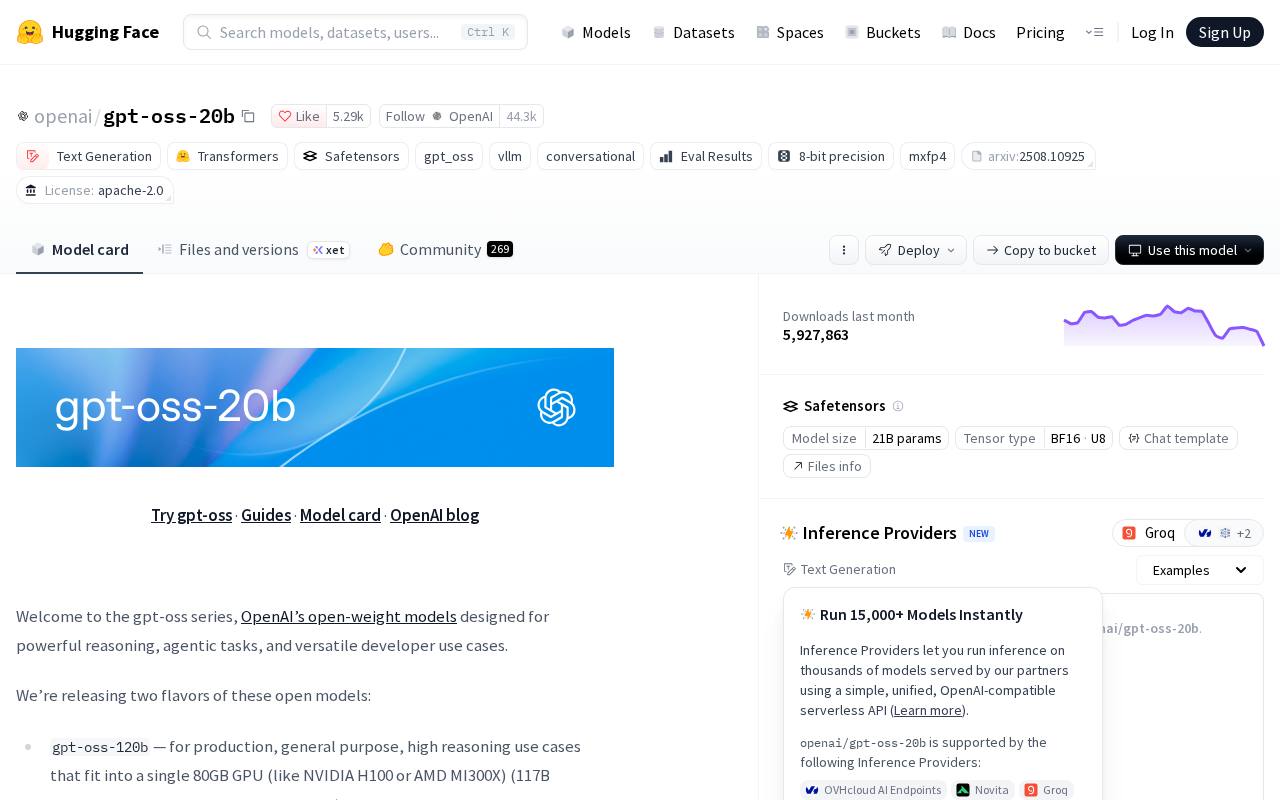
gpt-oss-20b (3.8), OpenAI's smaller open model, ships at about 13.8 GB and runs within 16 GB of memory. It reads text only and has a training cutoff of May 2024. Gemma 4 12B is 7.0 GB and adds image and audio input, with more room left for long chats. The calculator has a page for gpt-oss-20b.
A 24 GB graphics card or a 32 GB Mac
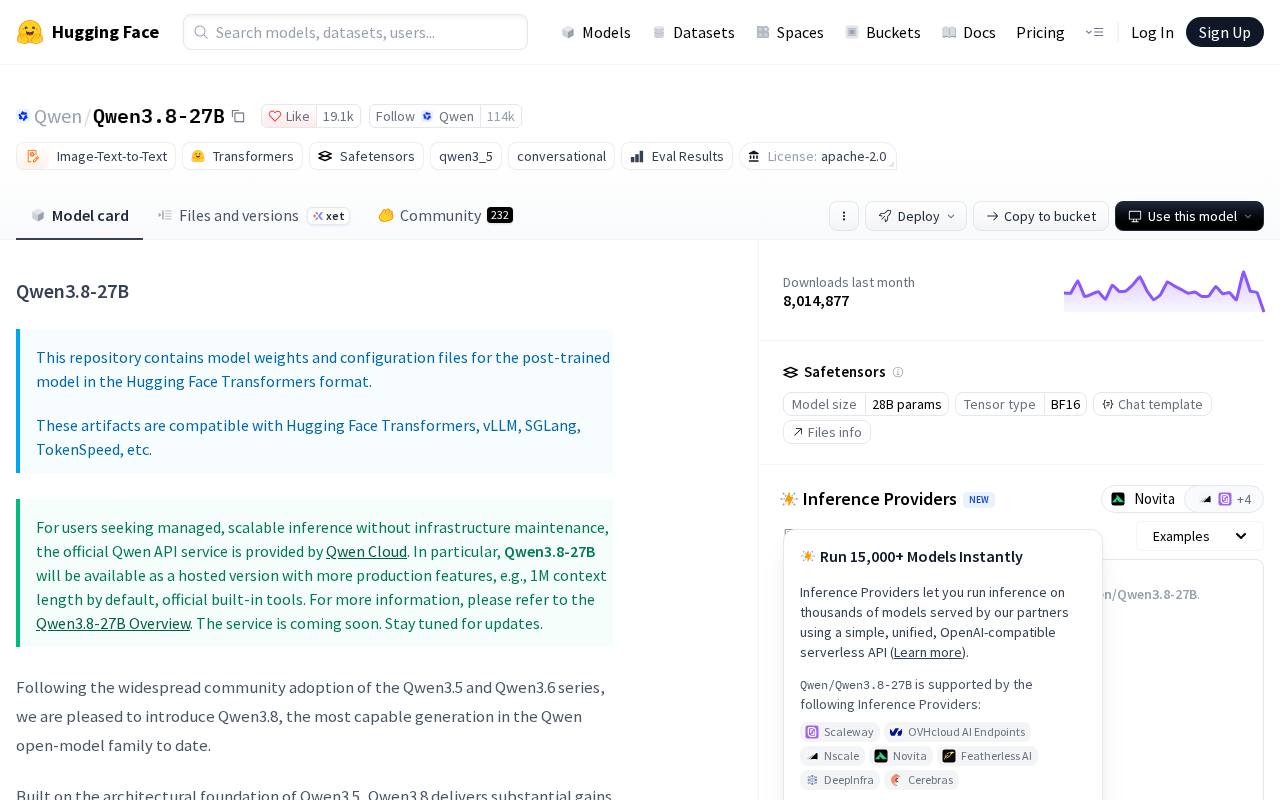
Qwen3.8-27B (4.5) is our highest-rated model for this slot and the strongest case we know for running a serious model on hardware you own. Its 4-bit build is 16.5 GB, and on Alibaba's own tests its coding scores edge past Claude Opus 4.6 Max, though Alibaba ran every test itself. Gemma 4 26B A4B is 14.4 GB and quick, since it uses only 3.8 billion of its parameters for each token; the 31B is 17.7 GB. Ministral 3 14B fits in 24 GB at 8-bit (FP8). Qwen3.6 (4.2) is the previous Qwen generation and a solid fallback. Devstral Small 2 (3.4) is a coding model that fits a 24 GB RTX 4090 at 14.3 GB, but Mistral has retired the line. Calculator pages: Qwen3.8-27B and Gemma 4 31B.
64 GB and up
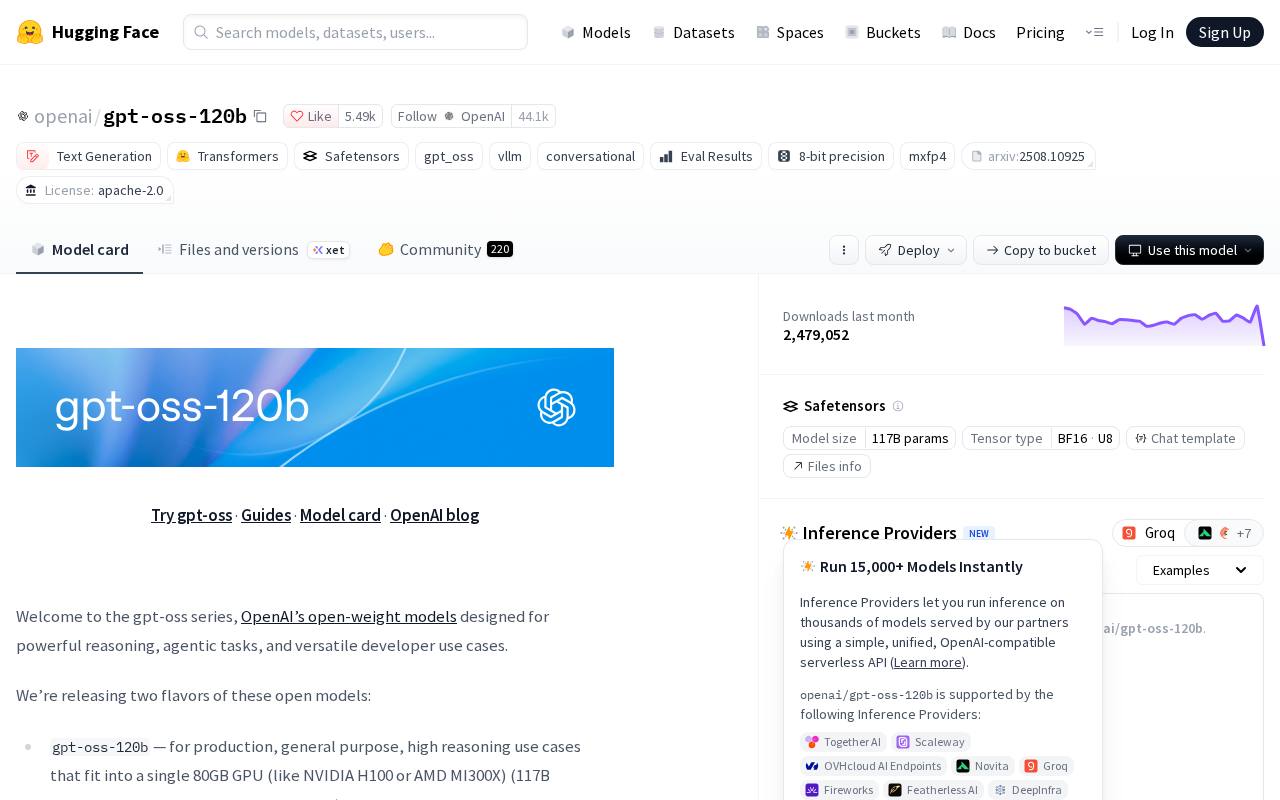
gpt-oss-120b (4.0) is a 65 GB download in Ollama and fits one 80 GB data-centre card such as an NVIDIA H100 (calculator page). On a Mac with that much memory, models close to the size of your RAM run slowly until you raise a system memory limit, which needs macOS 15. For models with hundreds of billions of parameters on a desktop, our guide to running giant models on an ordinary PC covers four engines built for it.
Keeping it private
The catch: most of these apps run a small server with no password. That is safe while the server listens only to your own computer, which is the default for Ollama, LM Studio, Jan and llama.cpp. Change that setting so other devices can connect, and anyone who can reach the port can use your model. In January 2026 SentinelOne and Censys counted 175,000 Ollama servers open to the public internet. LocalAI goes the other way by default: it listens on every network interface with no password until you switch authentication on. Model files need care too. A critical 2024 flaw in llama-cpp-python let a doctored GGUF file run code on the machine that loaded it, so download models from their makers or well-known uploaders.
Our take: the memory you already have chooses the model, and the model matters more than the app. A 16 GB laptop running LM Studio or Ollama with gpt-oss-20b or Gemma 4 12B is a good first evening. A 24 GB card with Qwen3.8-27B is where a local model becomes a daily tool, and if you would have to buy that card, compare its price with a year of the chatbot subscription you would cancel.