
Ollama vs LM Studio: which should run your local models?
By ReviewRamble editors ·
Ollama and LM Studio do the same basic job. Each downloads an open model, runs it on your own hardware and keeps your prompts on your machine. Neither charges for local use. So the choice is not about price or privacy; it is about how you like to work and what else needs to talk to the model.
The short answer
- You live in a terminal, or another app needs a local model behind it: Ollama (4.6). One command pulls and runs a model, and most editors, chat apps and agent tools already list it as a backend.
- You want to search, compare and load models with a mouse, or set this up for a colleague who has never opened a terminal: LM Studio (4.4).
- You need fully open source code end to end: Ollama. LM Studio's desktop app is closed source; only its CLI and SDKs are MIT-licensed.
- You are on an Apple Silicon Mac: LM Studio also runs MLX models, built on Apple's own framework for its chips, as well as GGUF.
How they differ
| Ollama | LM Studio | |
|---|---|---|
| What it is | Command-line tool and background server | Desktop app with a built-in server |
| Licence | Open source (MIT) | Free for home and work use; app closed source, CLI and SDKs MIT |
| Model formats | GGUF from its own library | GGUF on every platform, plus MLX on Apple Silicon |
| Finding models | ollama run plus a name from a curated library | Search Hugging Face inside the app |
| Local API | Port 11434, REST plus an OpenAI-compatible endpoint | OpenAI- and Anthropic-compatible endpoints plus its own REST API |
| Default context | 4,096 tokens unless you raise it | Set per model when you load it |
| Parallel requests | 1 per model by default | 4 slots by default since 0.4.0 |
| Password on the API | None | Off by default; API tokens available since 0.4.0 |
| Headless servers | Docker image and install script | llmster, the same engine with no window |
| Paid extras | Ollama Cloud, from $20 a month | Bionic agent app, from $20 a month |
Ollama: the default plumbing
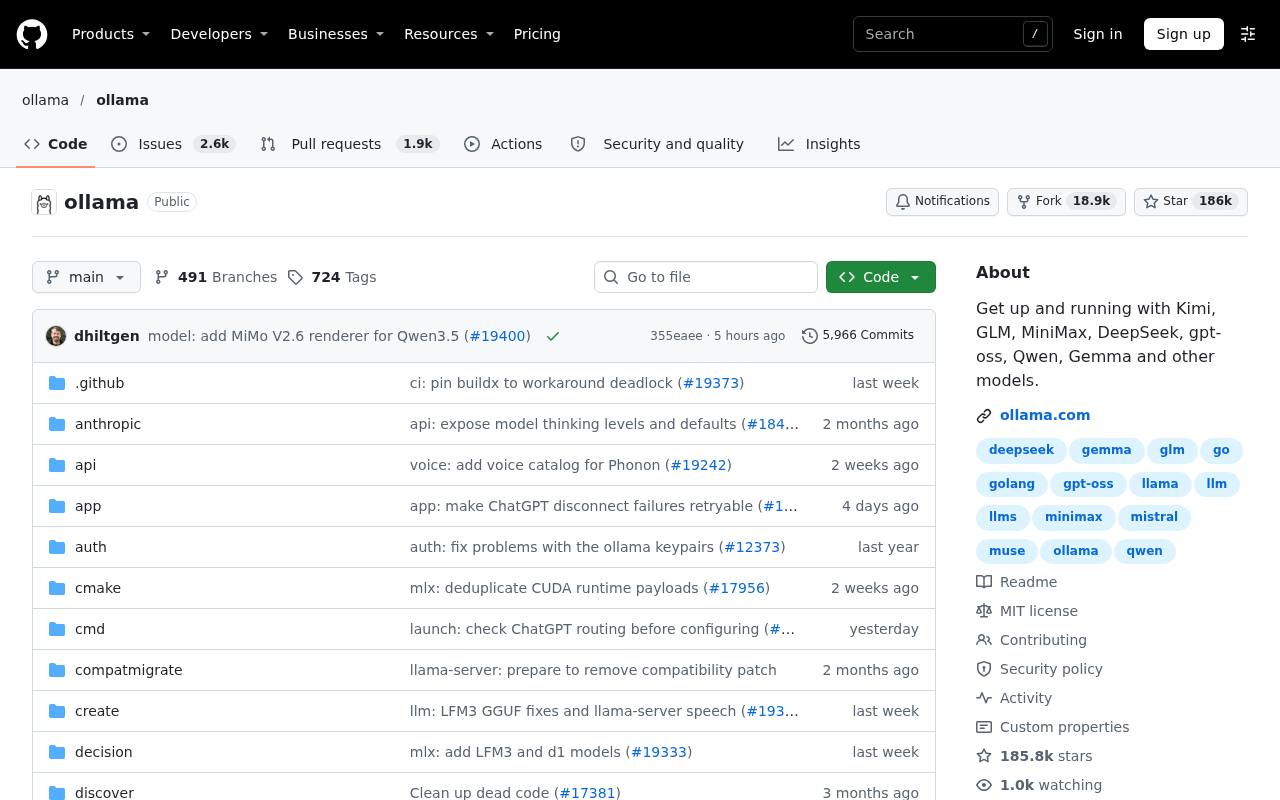
Ollama's strength is that other software assumes it is there. With about 187,000 GitHub stars and releases most weeks (v0.40.16 came out on 9 November 2026), it has become the local API that coding agents and chat apps reach for first. ollama launch wires a local model into Claude Code, Codex, Copilot CLI or OpenCode in one step.
Its defaults are built for one person on one laptop. The FAQ sets the context window at 4,096 tokens, which is too short for a coding agent reading several files, so raise OLLAMA_CONTEXT_LENGTH before you blame the model. Each model also handles one request at a time unless you change OLLAMA_NUM_PARALLEL.
LM Studio: the friendly front end
LM Studio is the one to hand to someone who wants private AI without learning commands. You search for a model, download it and chat, with documents attached if you like. Its privacy policy says local chats never leave the machine and the app carries no telemetry.
It is also a capable server. Switch it on and it answers OpenAI-style and Anthropic-style requests, so Claude Code can point at it by changing one base URL. Since version 0.4.0 it serves 4 requests in parallel by default, which makes a shared team box more practical than Ollama's out-of-the-box setting.
The security point both share
Both servers listen only on your own computer by default, and neither asks for a password unless you set one up. The trouble starts when you open them to the network. Ollama has no built-in login at all, and in January 2026 researchers counted 175,000 Ollama servers reachable from the internet. LM Studio's network mode opens its server to every device on your network, and its own docs tell you to switch on API tokens first. If either one has to be reachable from another machine, put it behind a login or keep it on a private network such as Tailscale.
Cost
Running models locally costs nothing beyond the hardware with either tool. LM Studio recommends 16GB of memory and does not support Intel Macs. Both companies now sell something on top: Ollama Cloud runs larger models for you, from $20 a month with $60 of credits, and LM Studio's separate Bionic app adds agents and hosted models at $20 or $100 a month. You need neither to run models on your own machine.
Our take: treat Ollama as the engine and LM Studio as the dashboard. Developers who script, run agents or ship apps on top of a local model will be happier with Ollama. Anyone who wants to try models, compare them side by side and keep it all in one window will get there faster with LM Studio. Plenty of people install both.