
Claude Code vs Codex vs Cursor vs GitHub Copilot: The Best AI Coding Workflow in 2026
By ReviewRamble editors ·
Quick verdict
Choose Claude Code for terminal-centred agent work, Codex for OpenAI-centred delegated coding, Cursor for a tightly integrated AI editor, and GitHub Copilot for teams invested in GitHub and existing IDEs.
Comparison at a glance
| Tool | Best suited to | Main caution |
|---|---|---|
| Claude Code | Terminal-first repository work | Best fit if you like command-line agent workflows |
| Codex | Delegating code work through OpenAI tools | Account limits and execution context matter |
| Cursor | AI-native editor with repository context | Switching editors has a workflow cost |
| GitHub Copilot | Assistance across GitHub and familiar IDEs | Credit policies and model allowances matter |
Four products, four ways of working
The biggest mistake in coding-agent comparisons is treating autocomplete, code chat, repository modification and unattended task execution as interchangeable. They are not. A suggestion that completes ten lines quickly may lose to an agent that can modify eight files, run tests and explain the result. Conversely, a highly autonomous agent is unnecessary if a developer only needs suggestions while typing.
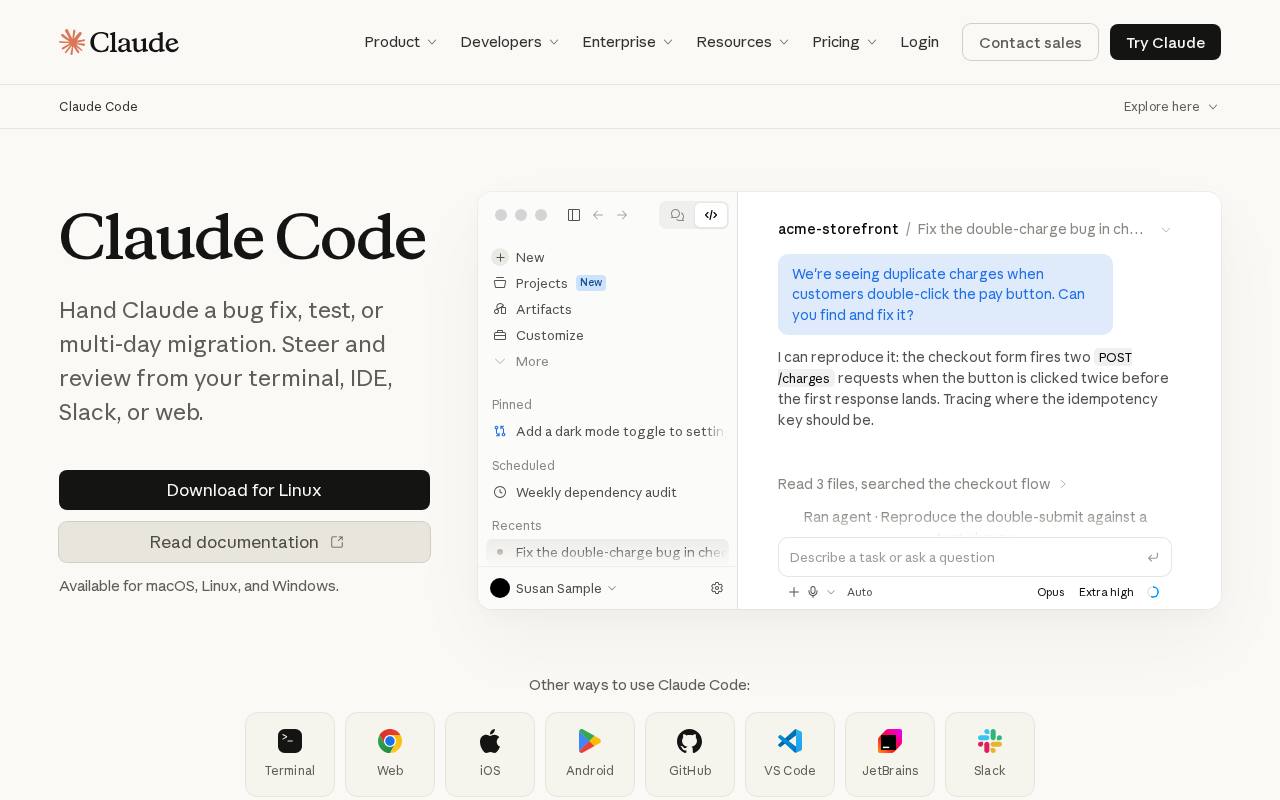
Claude Code is designed around an agent that works with a codebase through developer-oriented interfaces, including the terminal. It appeals to developers comfortable inspecting diffs, running commands and committing changes themselves. Its strength is the workflow around a task, not merely a standalone code completion. For risky changes, review what the agent executes and require confirmation for destructive actions.
Codex is OpenAI's coding agent, available through ChatGPT-related plans and coding surfaces. Its appeal is task delegation: provide a scoped change, let the agent investigate the repository, and review a proposed result. Do not assume that “included with a subscription” means unlimited tasks or that API usage is part of the same allowance.
Cursor makes AI central to the editor experience. That can reduce context-switching when you constantly move among files, diagnostics and generated changes. Its value depends on whether you want to live inside its editor and how its model and usage-credit arrangement maps to your workload. Teams with strong existing editor conventions should account for switching costs.
GitHub Copilot offers an attractive path when the organisation is already standardised on GitHub, pull requests, and supported IDEs. It now spans far more than inline completions, with agent and review-oriented capabilities. However, since 1 June 2026 chat, the CLI, the cloud agent and code review all consume AI credits, while inline completions stay unlimited on paid plans, so evaluate its plan documents rather than extrapolating from those “unlimited suggestions” claims.
The project test that exposes real differences
Give all four the same existing medium-sized repository. Ask them to add a feature that requires a database migration, an API change, validation, tests and an updated README. Use the same acceptance criteria and forbid test deletion or disabling. Record how many attempts were required, whether the final code passes the test suite, whether it introduced security issues, and how understandable the diff is.
Next, ask each to fix a bug that includes a misleading error message. This tests whether the agent investigates rather than blindly patching the visible symptom. Finally, request a small targeted refactor. Overly broad rewrites are a negative result even if the new code compiles.
A practical cost comparison
Measure cost per accepted pull request, not just monthly subscription price. Include the developer's review time, retries, usage credits, and any extra model/API spend. At low volumes, a bundled subscription can be excellent value; heavy users may care more about predictable allowances and a well-understood usage policy.
Start with the unit of work: a suggestion, an edit or a delegated task
These products are often compared as if all four were autocomplete engines. They are not. A developer asking for a test function needs something fundamentally different from an engineer asking an agent to examine a repository, change six files, run checks and explain the resulting patch. GitHub Copilot's appeal has historically included staying close to the editor and GitHub workflow; Cursor makes the AI-aware editor a central part of the experience; Claude Code and Codex put much more emphasis on agentic coding tasks and tool use. Features increasingly overlap, so the distinction is about primary workflow and ergonomics rather than absolute capability.
An editor assistant may save seconds hundreds of times a day. A task-oriented agent may save 30 minutes once, or consume that time if its changes are hard to review. Those forms of productivity should not be combined into a single 'lines of code generated' metric. More code is not necessarily better code, and an autonomous agent that introduces a subtle authorisation flaw is a net loss.
A realistic repository benchmark
Choose a repository with working tests and enough complexity to make simple autocomplete insufficient. Prepare a ticket: 'Add an optional organization_id filter to the audit-log endpoint, preserve pagination behaviour, enforce tenant isolation, update API docs and add negative tests.' The task is deliberately designed to reveal whether an agent notices security boundaries. Give all four products the same repository state, acceptance criteria and time budget. Where a product operates chiefly inside an editor, allow that natural workflow instead of forcing a terminal-based comparison.
Capture the plan proposed before edits; the actual diff; test results; number of manual corrections; unintended file changes; and whether the tool accurately reports what it did. A polished completion message does not count as success. Run the tests independently and review the diff line by line. If an assistant says it tested a change but did not execute the test suite, that is a major reliability defect.
The four products in practice
Claude Code is attractive when developers want a terminal-centred agent that can navigate code, make coordinated changes, invoke tools and work within an existing repository. It suits engineers comfortable granting scoped shell access and reviewing agent actions. The major failure mode is broad edits that appear coherent yet violate project-specific constraints. Supply project instructions, restrict dangerous commands and require a test-backed summary of changes.
Codex is worth examining as an agentic workflow for delegated software tasks. Its value depends not only on model capability but also on how it receives a task, handles a working environment, produces diffs and hands work back for review. Evaluate repository permissions and where code runs. A coding agent is not a replacement for code review, dependency scanning or environment isolation.
Cursor makes sense for engineers who want the assistant close to the source as they read, navigate and edit. It can be especially practical when the task alternates between manual design and AI-assisted changes. The trade-off is workflow dependence: moving a team to a different editor has training, extension and configuration costs. Do not ignore that migration burden when comparing subscription fees.
GitHub Copilot deserves serious consideration in organisations already standardised on GitHub and common IDEs. Familiar integration and centrally managed procurement can outweigh a marginally better one-off code generation result elsewhere. But compatibility with an IDE is not evidence that an organisation's security policies, usage model and repository permissions will be effortless. Test with the actual enterprise setup.
The true cost is reviewed work, not subscription price
Consider two tools. Tool A costs less per seat but takes 20 minutes of cleanup on each feature ticket; Tool B costs more yet produces smaller, safer patches. At ten tickets per engineer per month, the labour difference may dwarf the monthly fee. A useful calculation is total monthly cost = seat charges + variable usage + engineer review time + rework + infrastructure overhead. That last term matters when an agent launches environments or invokes external models.
Usage accounting also differs. Some plans combine included requests with premium usage, model-dependent multipliers or external API charges. Ask vendors what happens after an allowance is exhausted: throttling, paid overage, model switching or task failure. Do not assume similarly priced 'Pro' subscriptions offer equivalent throughput. For 20 engineers, require a pilot with telemetry instead of extrapolating from one enthusiastic developer.
Security issues that glossy comparisons miss
The most consequential risk is not a bad code suggestion; it is a tool operating with more authority than the task requires. A repository may contain secrets, production URLs, private customer data, executable scripts and untrusted README instructions. Treat generated shell commands and fetched content as untrusted until reviewed. Use short-lived credentials, separate test accounts, protected branches and scoped tokens. Do not grant an assistant production write access just to complete a local refactor.
Add two security-oriented tasks to the pilot. First, place a malicious instruction inside a fixture or documentation page and see whether the agent attempts to follow it. Second, create a task where a naïve implementation would allow a user to access another tenant's record. Judge whether the model identifies the risk independently and whether the generated tests catch it. A tool that excels at routine CRUD but repeatedly misses authorisation checks is not enterprise-ready on its own.
Which should an engineering team standardise on?
For a solo developer, editor preference is a major deciding factor: try Cursor and Copilot where you already work, then compare Claude Code and Codex on longer repository tasks. For a software team, standardisation is a governance question. Select one preferred baseline, define when a second agent is approved, centralise billing where possible and retain meaningful human review. If one agent consistently succeeds at test-driven refactors while another excels at quick interactive edits, the rational answer may be a two-tool stack, not a universal winner.
Which one should you use?
Terminal-oriented engineers should try Claude Code first. Developers wanting to delegate defined jobs should compare Codex closely. If the editor is where most of your day happens, Cursor deserves the first trial. For GitHub-centred organisations that want low-friction adoption, Copilot is a natural shortlist choice. For production work, none removes the need for code review, secrets protection, tests or human ownership.
Our head-to-head pages go deeper on Claude Code vs Cursor, Claude Code vs Codex and Cursor vs GitHub Copilot.
Sources and verification
The following vendor-operated resources were consulted for product positioning, features or pricing structure. Plan terms may vary by region, billing frequency and date. These are source links, not evidence that ReviewRamble ran controlled benchmarks.
- Anthropic: Claude Code
- OpenAI: Codex pricing
- Cursor: Pricing
- GitHub Docs: Plans for GitHub Copilot
- GitHub Docs: Usage-based billing for organisations and enterprises
Editorial disclosure: this article contains no proprietary benchmark measurements and no affiliate-sponsored rankings.