
Analysis Agent Frameworks & Automation
Headless browsers for AI agents: what to run yourself, what to rent, and where your logins go
By ReviewRamble editors ·
An agent that reads the web needs a browser, and headless Chrome is the expensive way to give it one: a gigabyte or more of memory per busy browser, for pixels no model ever looks at. In November 2026 you can replace Chrome with a lighter engine you run yourself, or rent Chrome by the hour from someone else. The first saves memory and costs you pages that break; the second saves you the server work and puts your agent's cookies and logins on another company's machines.
Every figure below comes from our reviews of Lightpanda, Moli, Obscura, Cloudflare Browser Run (which includes Kitesurf), Steel and Browserbase MCP, and from the documents they cite. We re-read the GitHub repositories and pricing pages on 13 November 2026. We have not run these browsers ourselves, and most of the speed and memory numbers are the makers' own.
Why Chrome is the expensive default
Most of the web is now built from JavaScript, so an agent cannot just download the HTML; something has to run the scripts and build the page. Chrome does that well, and it also lays out and paints every page as if a person were watching. On Lightpanda's crawler benchmark, headless Chrome peaked at 2 GB over 100 pages; in Lexmount's crawl of 192 sites its median was 773 MiB. If you run fifty agents at once, that memory is most of your server bill.
The new engines keep the parts an agent needs (JavaScript, the page structure, cookies, network requests) and skip or postpone the painting. All of them speak the Chrome DevTools Protocol (CDP), the same connection Puppeteer and Playwright use to drive Chrome, so an existing script mostly needs a new address.
The engines you can run yourself
| Engine | Built in | Licence | GitHub stars, 13 Nov | Latest release | Default you should know |
|---|---|---|---|---|---|
| Lightpanda | Zig | AGPL-3.0, with a CLA | 41,990 | 1.0.4, 13 Nov 2026 | Usage telemetry on until you set LIGHTPANDA_DISABLE_TELEMETRY=true |
| Obscura | Rust | Apache-2.0 | 34,844 | v0.2.6, 31 Oct 2026 | Refuses to listen beyond your own machine without a 32-byte token |
| Moli | Rust | Apache-2.0 or MIT | 23,647 | v1.1.24, 12 Nov 2026 | No authentication on its CDP port; private-network blocking is opt-in |
| Kitesurf (in Browser Run) | Rust compiled to WebAssembly | Apache-2.0 | 306 | No tagged releases | No built-in authentication; Cloudflare says to put Access or your own login in front |
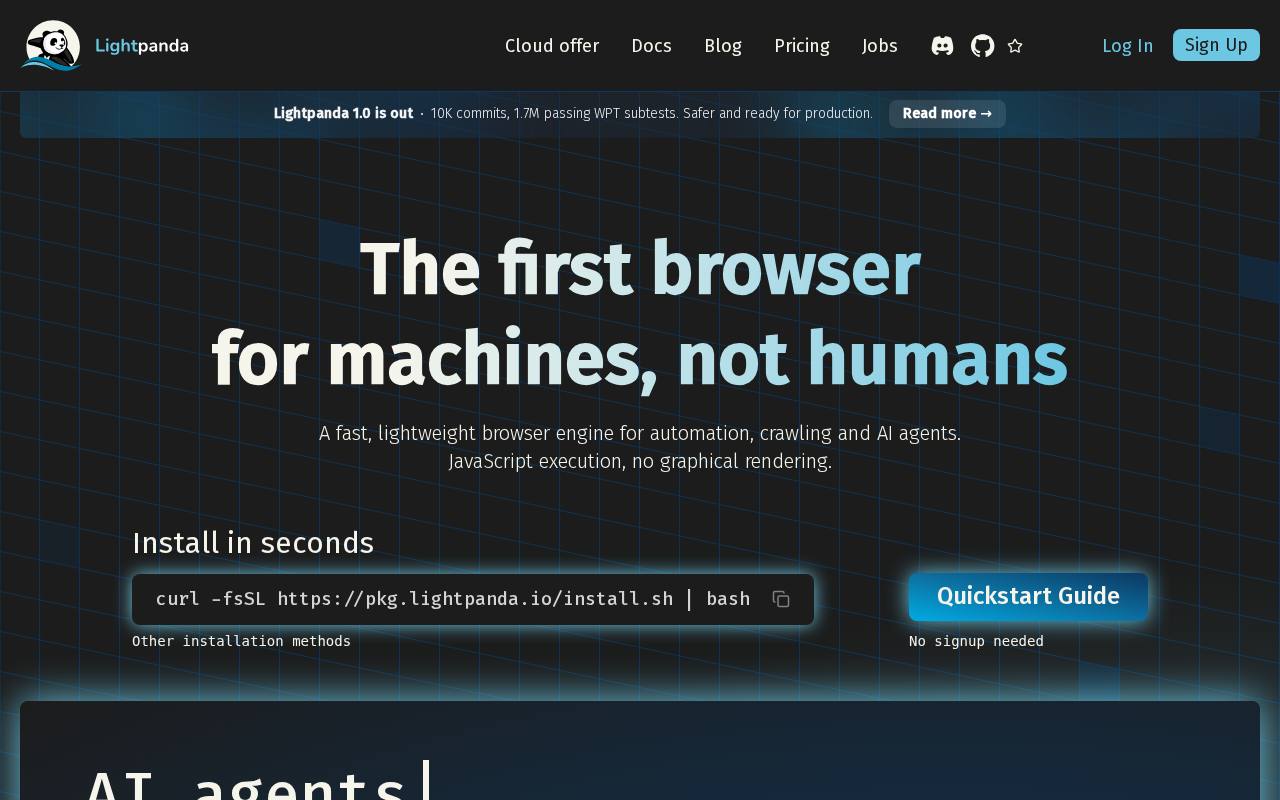
Lightpanda is the mature one. It reached 1.0 on 2 October 2026, has the largest community of the four, and adds a native MCP server and an agent mode that records a session as a script you can replay without a model. Its own benchmark puts it at 123 MB against Chrome's 2 GB over 100 pages, and 5 seconds against 46. There is no native Windows build, and the Linux binary needs glibc 2.35 or newer, so Alpine images fail.
Moli trades speed for pages that work. It runs layout only when a request needs it, such as a screenshot, which lets it carry more of the web platform (iframes, workers, WebSocket, IndexedDB) than the others. In Lexmount's crawl it produced useful content on 103 of 192 sites, against 101 for Chrome, 85 for Lightpanda and 57 for Obscura. It is also three months old, released every few days, and mostly one developer's work.
Obscura is sold on low memory and anti-detection. It claims about 30 MB per instance against 200 MB or more for Chrome, with no independent measurement, and an optional stealth build that randomises fingerprints and hides the usual automation flags. Its owner is pseudonymous, and robots.txt is ignored unless you pass --obey-robots. Its security defaults are the most careful of the three.
Kitesurf is the newest arrival on your own machine. Cloudflare launched it inside Browser Run on 6 August 2026 and published the source under Apache-2.0 on 12 November as cloudflare/kitesurf. Each page runs in a Workers isolate rather than a Chrome process. Locally it runs under wrangler dev, after a first Bazel build of the Rust core that the README says takes a while. Running it on Cloudflare needs a Workers Paid plan, because it depends on Dynamic Workers. Cloudflare calls it experimental and under heavy development, and asks contributors to be vouched for by a maintainer before opening a pull request.
Compatibility: whose benchmark you read
The makers' benchmarks disagree in a useful way. On Lexmount's 1,308-task Lexbench suite, Chrome passed 99.85%, Moli 81.88%, Kitesurf 62.08%, Lightpanda 53.29% and Obscura 44.88%. Lexmount wrote the test, and the Moli figure comes from version 0.1.1, many releases ago.
Lightpanda's benchmark of 19 October measured cost instead. Crawling 940 pages over 25 tabs, Lightpanda took 4.5 seconds and peaked at 109 MB, Obscura 11.5 seconds and 201 MB, and Moli 17.4 seconds and 230 MB. Cloudflare's own 14-site test found Kitesurf used 4.7 to 7 times less memory than warm Chrome but took 1.7 to 1.8 times longer per page.
Read together, they say the same thing: every light engine fails on some share of real pages that Chrome handles, and the lighter and faster it is, the larger that share tends to be. Moli and Kitesurf leave out video and WebGL, Obscura warns that media playback and fonts may differ, Lightpanda paints nothing at all, so its screenshots and PDFs are text-only, and none promises to match Chrome pixel for pixel. A crawler that counts cost per page has reason to start with Lightpanda; an agent that fails whenever a page half-works has reason to look at Moli; anything that must behave exactly like a person's browser still needs Chrome.
Renting a browser
The hosted services run real Chrome, so compatibility is Chrome's. What differs is price, how long a session may last, and how hard each one tries to look like a person.
| Service | Entry | Per browser hour | Concurrent browsers | Session data kept |
|---|---|---|---|---|
| Cloudflare Browser Run | Free: 10 minutes a day; Workers Paid $5/month with 10 hours | $0.09 | 3 free; 10 on Paid, then $2 per extra browser | Discarded after rendering; crawls 14 days, recordings 30 |
| Browserbase | Free: 1 hour; Developer $20 with 100 hours; Startup $99 with 500 | $0.12 Developer, $0.10 Startup | 3, 25, 100, 250+ on Scale | 7 days free, 30 days paid |
| Steel Cloud | Launch $0 with $30 of credits for 90 days; Scale $250 with $100 a month | $0.10 Launch, $0.08 Scale | 10 Launch, 100 Scale | 7 days Launch, 14 Scale |
| Lightpanda cloud | Explorer free with 10 hours; Builder $19 with 300 | $0.08 on Builder | 5 free, 30 Builder | Not published |
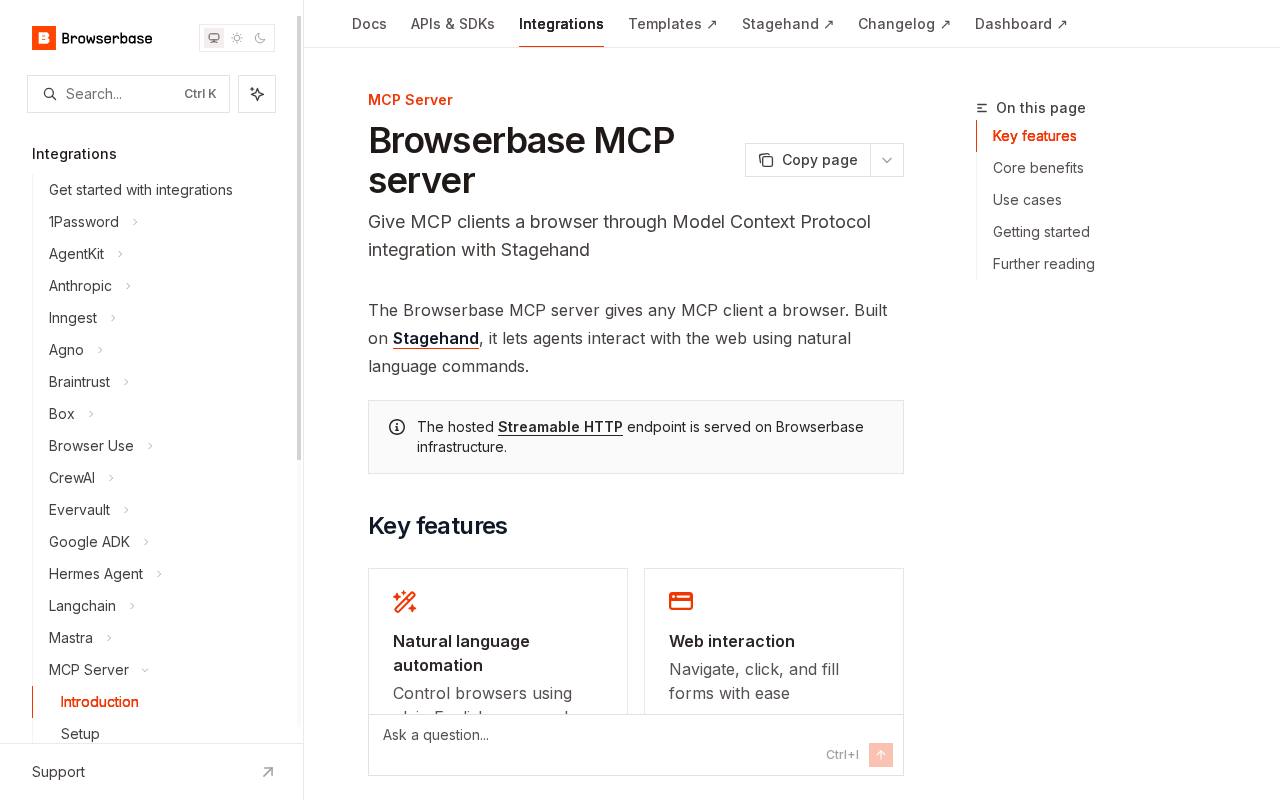
At 1,000 browser hours a month, list prices come to about $94 on Cloudflare (before any concurrency charge), $128 on Browserbase Developer or $149 on Startup, about $100 on Steel Launch or $230 on Scale, and $75 on Lightpanda Builder. Browser Use Cloud is the outlier at $0.02 an hour, about $20, though its residential proxies at $5 per GB are on by default. Proxies and CAPTCHA solving are extra everywhere they are offered.
The hourly rate matters less than the limits around it. Cloudflare closes an idle session after 60 seconds, 20 minutes at most with keep_alive, and Kitesurf cannot hold a long logged-in session at all. Steel stops sessions at 15 minutes on Launch and 1 hour on Scale. Browserbase's free sessions stop at 15 minutes. An agent that works through a long checkout or a supplier portal will hit those walls before it hits the bill.
The other difference is manners. Browser Run signs every request so the website knows it came from Cloudflare, and offers no proxies, IP rotation or CAPTCHA solving: sites that block bots will block it. Steel and Browserbase sell residential proxies and CAPTCHA solving for sites that resist automation, and the terms-of-service exposure on those sites stays with you, not with them.
Where your cookies and logins go
This is the question most teams skip. A browser that holds your agent's logins is a key to every account in it, and the model driving it reads pages written by strangers, any of which can carry instructions.
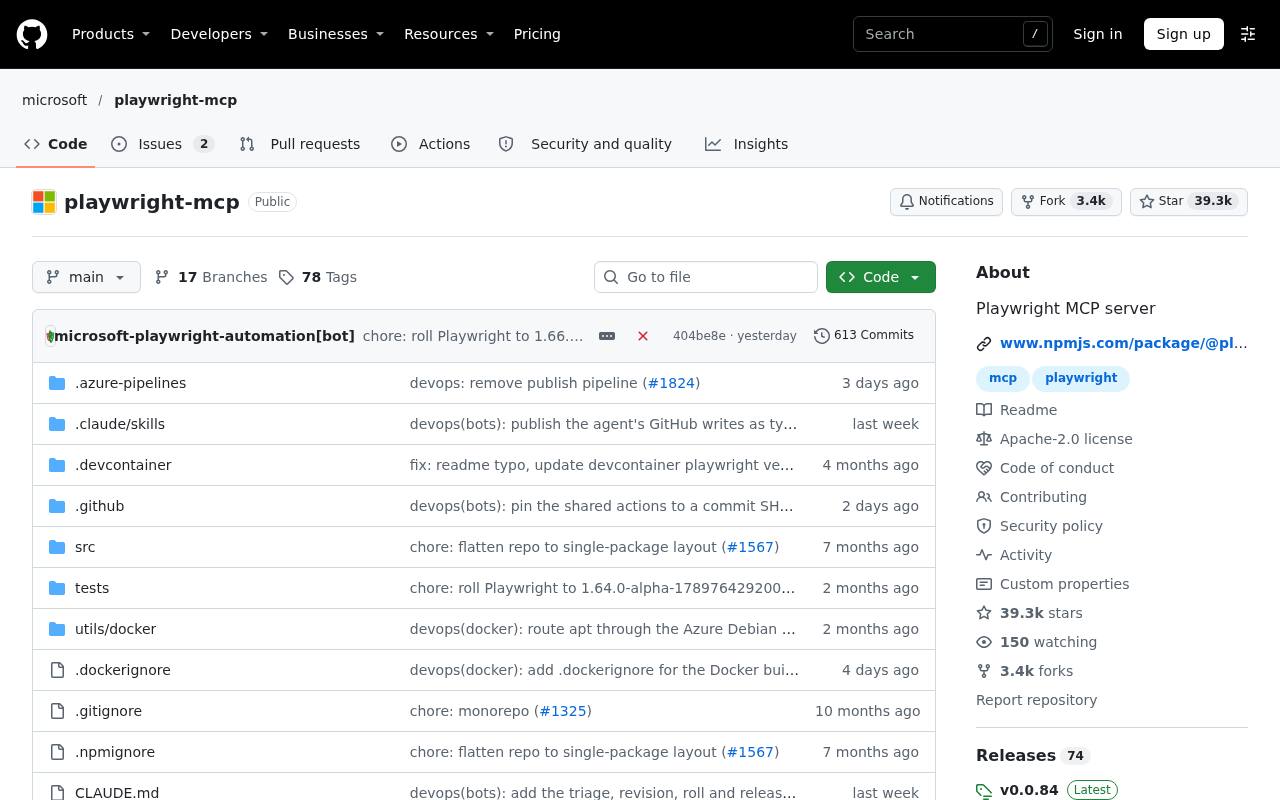
- Local, the profile is on your disk. Moli writes cookies and cache only when you pass --profile-dir, --cookie or --http-cache-dir. Playwright MCP keeps a persistent profile on disk by default (--isolated keeps it in memory), and its README says it is not a security boundary. Chrome DevTools MCP exposes everything in the browser profile to the agent and sends usage statistics to Google unless you opt out.
- Local servers are often wide open. Moli's CDP port and self-hosted Steel's ports 3000 and 9223 have no authentication, so anything that can reach them can drive the browser and fetch cloud metadata addresses. Steel's security policy warns that its one-line docker run publishes both ports on every interface and that Docker bypasses host firewalls such as UFW. Obscura alone refuses a non-loopback bind without a token. Keep these on 127.0.0.1 and put your own authentication in front.
- Rented, the provider sees everything. Browserbase hosts the browser and sees every page and form value, and its hosted MCP server takes your API key as a query parameter in the URL, where it can end up in logs. Steel Cloud stores profiles as snapshots of the whole Chrome user data directory, cookies and saved logins included, on US servers until 30 days unused. Cloudflare says rendered pages are thrown away once returned; cookies you hand a session sit on its browsers while the session runs.
- Some services keep passwords away from the model. Steel's Credentials API fills stored usernames, passwords and one-time codes into a page without showing them to the agent. Cloudflare's Human in the Loop hands the login to a person through Live View, and its recordings mask anything typed into form fields.
If the agent must act as you on sites you are logged into, a self-hosted real Chrome such as easi.run or BrowserOS neo keeps the profile at home, but our guide to securing coding agents applies in full: one profile per job, only the accounts it needs, and nothing reachable from outside the machine.
The driver is a separate choice
The browser and the thing that tells it what to do are separate layers. Playwright MCP (version 0.0.85, 9 November) gives the model an accessibility snapshot of each page and is the server to start with. Chrome DevTools MCP (1.13.0, 11 November) adds performance traces, network logs and console errors for when you need to know why a page broke. Stagehand and Browser Use let a model decide only the unpredictable steps. All of them connect over CDP, so they will drive Chrome, Lightpanda, Moli, Obscura or a rented browser, within what each engine supports. You can change the browser later without rewriting the agent.
A sensible setup
- Chrome first, locally. Build the agent against Playwright MCP and an ordinary Chrome with an isolated profile, so you know what working looks like.
- A light engine for volume. Once you crawl or browse at scale, run your own pages through Lightpanda or Moli, keep a Chrome pool for the ones that fail, and count the failures before you count the savings.
- Rent for the awkward parts. Browser Run for cheap reads of sites that welcome a declared bot; Steel or Browserbase when you need long logged-in sessions, many browsers at once or proxies.
- Pin versions. Moli releases every few days and Lightpanda every few weeks, Obscura and Steel are pre-1.0, and Kitesurf has no releases. Install a fixed version rather than piping the latest installer into a shell.
The catch: almost every number here was published by someone with a product to sell. Lexmount wrote the benchmark Moli wins, Lightpanda wrote the one Lightpanda wins, and Cloudflare measured Kitesurf. The engines are months old and change weekly, so a pass rate from September may say little about the release you install. Run a sample of your own target pages through any engine before you move real traffic to it.
Our take: a light headless browser is a bicycle courier and Chrome is the van. The courier is cheaper and quicker for most small parcels, and some deliveries simply will not fit. Keep the van for those, rent one when you need a fleet for an afternoon, and think hard about whose van holds the keys to your accounts.