
Analysis Agent Frameworks & Automation
10 things you can actually do with MCP servers at work
By Sheela ·
Most people first meet MCP as a way to let an assistant read files. The servers that matter at work do more: they let Claude, ChatGPT or Cursor look inside your database, your design files, your chat history and your deployment logs, and act on them. Here are ten jobs they handle well today, with the server for each, what it costs you in permissions, and where it bites.
Two rules apply to all of them. Each server acts with your own permissions, so the agent can see and change whatever you can. And any text it reads, from a database row to a Slack message, can carry instructions aimed at the model; that is prompt injection, and none of these servers can fully stop it. Start read-only and widen access one job at a time.
1. Ask your database how it fits together
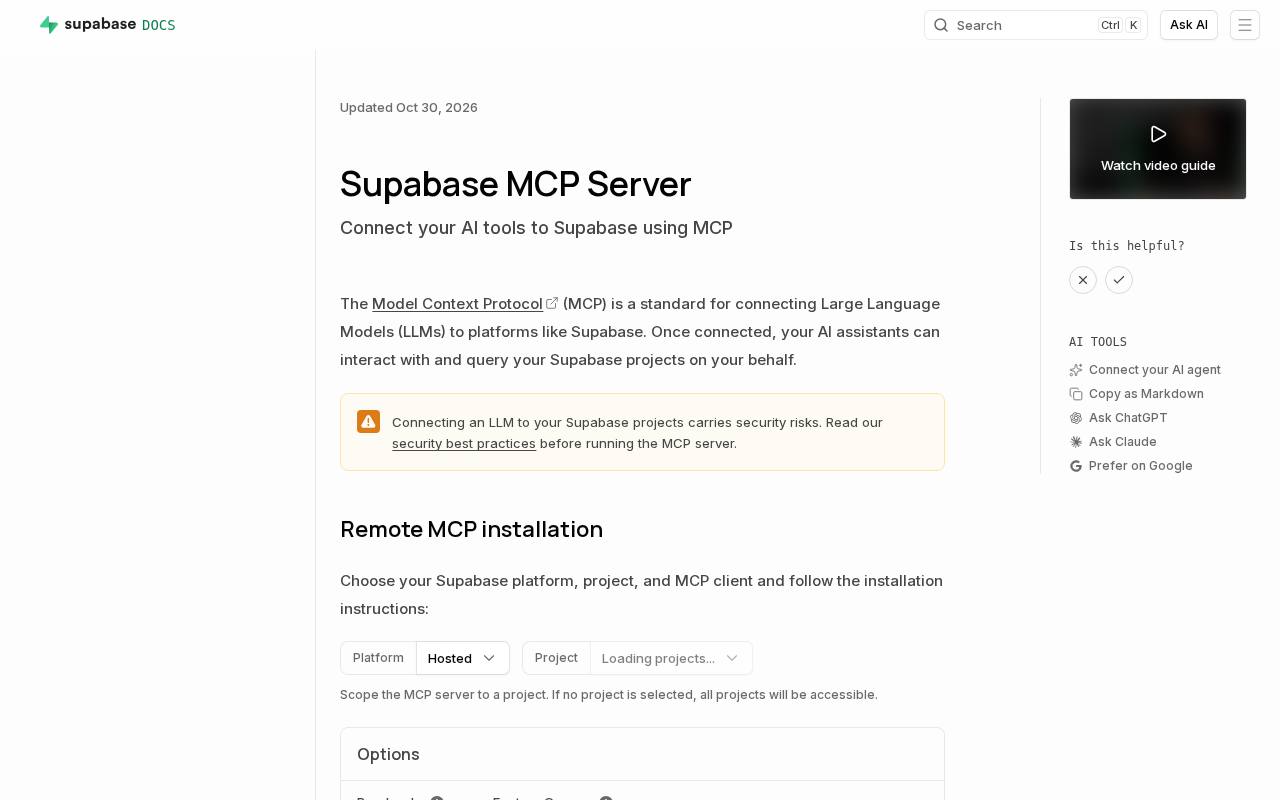
Reading a schema in one window and writing SQL in another is slow. The Supabase MCP server (4.6) lets an assistant inspect a development project directly: "explain how users and orders relate, then write a migration for a subscribers table." It sees the real tables and constraints instead of guessing. Scope it to one project and switch on read-only mode; Supabase itself says not to connect it to production data or hand it to customers.
2. Turn a Figma frame into code that matches your design system
Rebuilding a layout from a screenshot gets spacing and colours slightly wrong every time. The Figma MCP server (4.6) gives a coding agent the frame's actual layout, typography and variables, so "build this page in React and Tailwind with our tokens" starts from exact values. It can also write back to Figma. The catch is rate limits: 10 to 20 calls a minute depending on plan, on top of daily caps.
3. Collect data from websites without writing a scraper
Scraping means pagination, blocks and messy markup. The Apify MCP server (4.1) lets an agent search thousands of ready-made scrapers in Apify Store and run one: "collect product names and prices from this public catalogue as JSON." The token it holds can run any Actor and read every dataset in your account, so give it a separate account if the data matters.
4. Chain actions across your other apps
Turning a client email into a task, a CRM record and a follow-up draft is three apps and ten minutes. Zapier MCP (4.2) exposes actions across more than 9,000 apps from one endpoint, and you choose which actions the agent may use. Each successful call costs two Zapier tasks, which adds up quickly on a busy agent.
5. Find what the team already decided in Slack
The reason behind last month's architecture choice is buried in a thread. The Slack MCP server (4.4) searches messages and files and reads threads, so you can ask for "everything the team tried on the payment gateway timeout" and get the actual messages. It needs an admin-approved Slack app, reads whatever you can read (including private channels and DMs if those scopes are granted) and can post as you.
6. Turn scattered Notion notes into one document
Meeting notes and specs spread across hundreds of nested pages are hard to pull together. Notion MCP (4.5) searches, reads and edits pages and databases with each user's own permissions: "summarise last week's architecture review into a page with action items." It allows 180 requests a minute per connection on Free and Plus, and Notion warns that page content and comments can carry prompt-injection instructions.
7. Ask your data warehouse questions in plain English
Retention by cohort is a dozen lines of SQL you write twice a quarter. Google's hosted BigQuery MCP server lets an assistant list datasets, read table schemas and run queries. It has a read-only SQL tool and a read-write one, and an IAM deny policy can remove the read-write tool entirely. Queries stop after three minutes and return at most 3,000 rows, which suits analysis questions rather than exports.
8. Make the slides and graphics that go with your work
A banner or a carousel for a blog post breaks your concentration. The Canva MCP server (4.2) can generate designs from templates, edit them and export them: "a five-slide carousel of Python async tips in our brand colours." Generation can take a minute, exports can fail on premium elements, and free accounts get standard-quality output.
9. Find out why the deploy failed
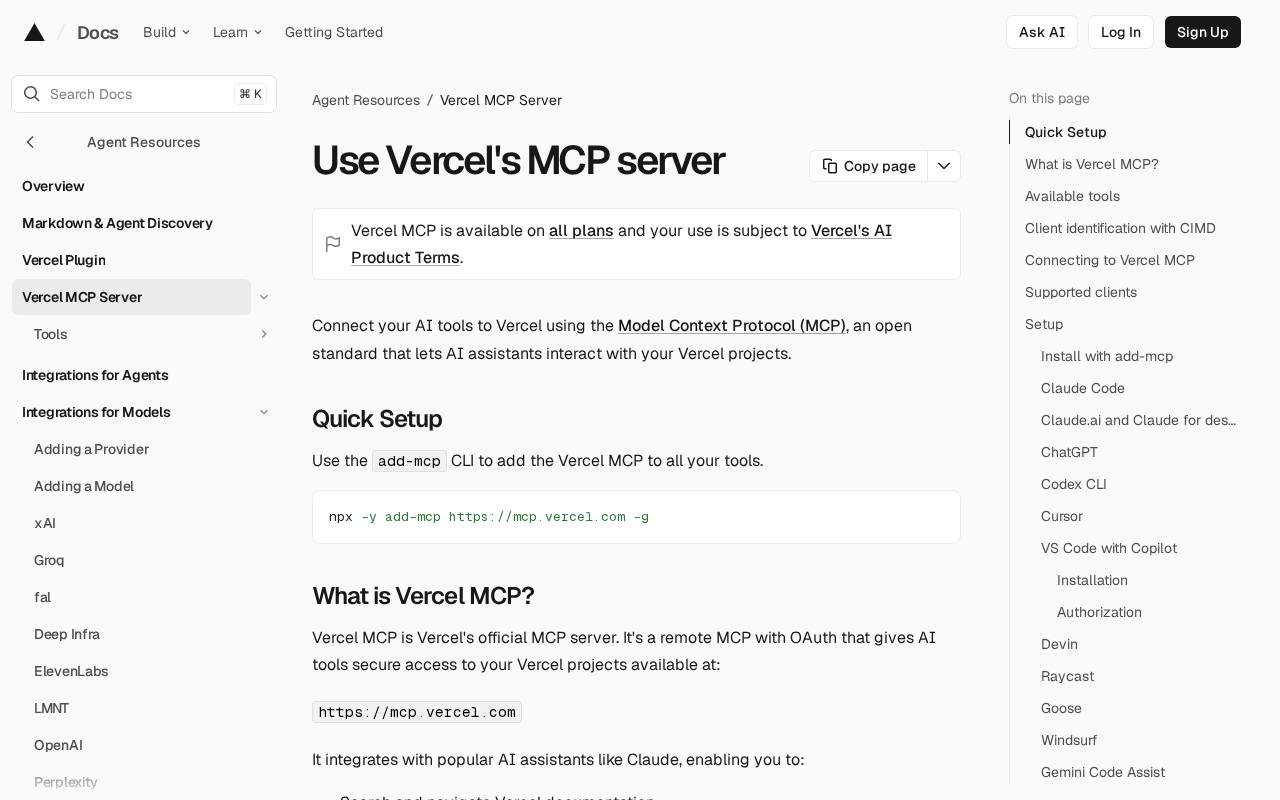
When a build passes locally and fails in CI, you end up paging through logs in a dashboard. Vercel MCP (4.2) gives an approved client over 200 tools for deployments, logs and domains: "check the last failed production deployment and explain the bundling error." It can also deploy and buy domains from chat, so think before granting a broad team scope.
10. Turn planning notes into Jira tickets
Copying decisions from a meeting into tickets and a status page is an hour nobody wants. The Atlassian Rovo MCP server (4.4) works across Jira, Confluence and more: "turn these sprint notes into Jira issues with acceptance criteria and update the Confluence tracker." Calls act with your permissions and appear in Atlassian's audit log. It covers Atlassian Cloud only, and Rovo needs an organisation on a verified business domain.
Where to start
Pick the job you do most often and the server for it, connect it read-only, and run it for a week before adding write access or a second server. Each server you add is another set of tools in the model's context and another route for injected instructions, so fewer, well-scoped servers usually beat many.
Our take: the useful MCP servers are the hosted ones from the companies that own the data, because they come with OAuth, permissions and audit logs you already trust. Treat each one as a new colleague with your login: helpful, fast, and never left alone with production on day one.