
Analysis Agent Frameworks & Automation
MCP servers that reach the physical world: what stands between the model and the motors
By ReviewRamble editors ·
A wrong answer from a chatbot costs you a reread. A wrong tool call from an agent connected to a robot, a drone or a mains relay costs something you can touch. A small group of MCP servers now lets a model move motors, fly aircraft, switch heaters, flash circuit boards and look through cameras. We read eleven of them, and the useful question for each is the same: what, exactly, stands between the model and the hardware.
Our earlier post on MCP servers that drive real software covered agents operating desktop programs such as KiCad and QGIS. This one is about servers whose mistakes leave the screen. Every figure below comes from our reviews, which read each project's code and documentation; we have not wired any of these to hardware ourselves.
Where the guard can live
The Model Context Protocol gives a model named tools and nothing more. Whether a call is checked depends on four places: the server's own code, the device or software stack behind it, the client that may ask you before running a tool, and the network that decides who else can reach the server. Many servers put no check in their own code and leave the job to the other three. Some mark tools with MCP's destructiveHint annotation, which some clients turn into an approval prompt and others ignore.
The network matters as much as the code. A server on stdio talks only to the program that launched it. A server on HTTP opens a port, and the transport setting decides whether that port listens on your own machine (127.0.0.1) or on every network the computer is connected to (0.0.0.0).
Robots and drones
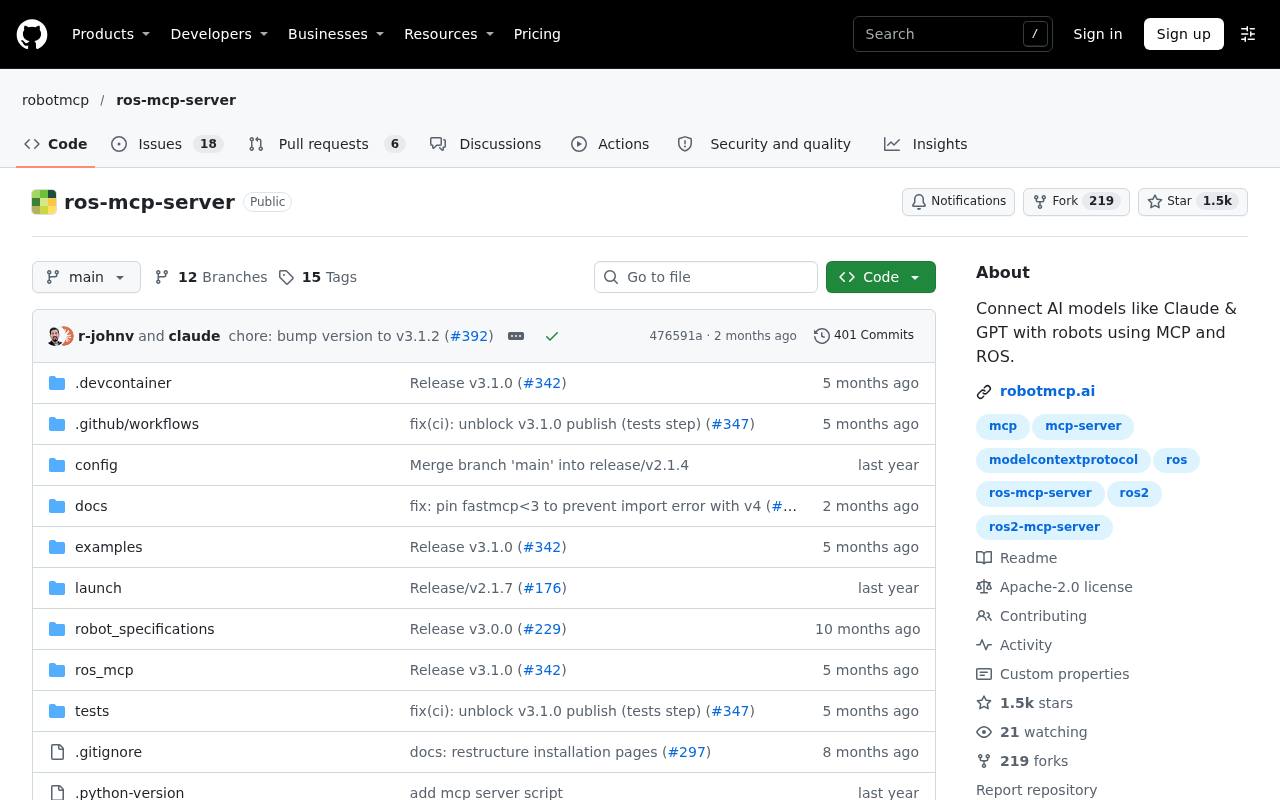
- ROS MCP Server (3.9) is the most used bridge to ROS robots, with about 1,527 stars and 31 tools for topics, services, actions and parameters on ROS 1 and ROS 2. It can send a velocity command to /cmd_vel for a set number of seconds and reach grippers, arms and navigation stacks. The server has no allowlist of topics, no speed or workspace limit and no confirmation step; its only guard is the destructiveHint annotation, and connect_to_robot lets the model change which IP address it talks to. rosbridge opens port 9090 on the robot with no authentication in the setup guide. The server defaults to stdio, its HTTP mode binds 127.0.0.1:9000 unless you pass --host 0.0.0.0 and has no authentication either way, and the ChatGPT guide puts it behind a public ngrok tunnel with the connector set to No authentication.
- DroneServer (3.7) flies ArduPilot and PX4 aircraft over MAVLink with 98 tools, and it has the most careful safety layer of the group. Every tool passes through a guard; critical tools such as kill_motors return a one-time token and run only on a second call that quotes it, bound to the tool and its arguments and valid for 60 seconds. Defaults cap altitude at 120 m, speed at 20 m/s and range at 1,000 m from home, and clients without an API key get telemetry only. The edges are weaker: the HTTP host defaults to 0.0.0.0 unless you copy the example .env, preconditions fail open when telemetry cannot be read, and one variable turns the whole layer off. Its authors say it has been tested in simulation only.
- stackchan-mcp (3.8) gives an agent M5Stack's StackChan desk robot: two neck servos, a camera, a microphone, a speaker and 12 LEDs, across 30 tools. The physical stakes are low, and the limits are real anyway. The gateway rejects head angles outside yaw -90 to 90 and pitch 5 to 85 degrees, and the firmware clamps pitch again at every servo write. Firmware updates over Wi-Fi are checked by SHA-256 with a rollback slot. The weak point is the network: the robot-facing side listens on 0.0.0.0, ports 8765 and 8766, and accepts any client until you set STACKCHAN_TOKEN.
- Bagel (4.1) belongs here as the contrast. It reads ROS bags, PX4, ArduPilot and Betaflight flight logs, CAN captures and live rosbridge or MQTT streams, and it cannot move anything: its live connections subscribe and never publish. The model's SQL runs on a locked DuckDB connection with no file or network access. Its HTTP endpoint has no authentication; the default bind is 127.0.0.1:8000, and the security policy says to treat it like a database socket.
Home and cameras
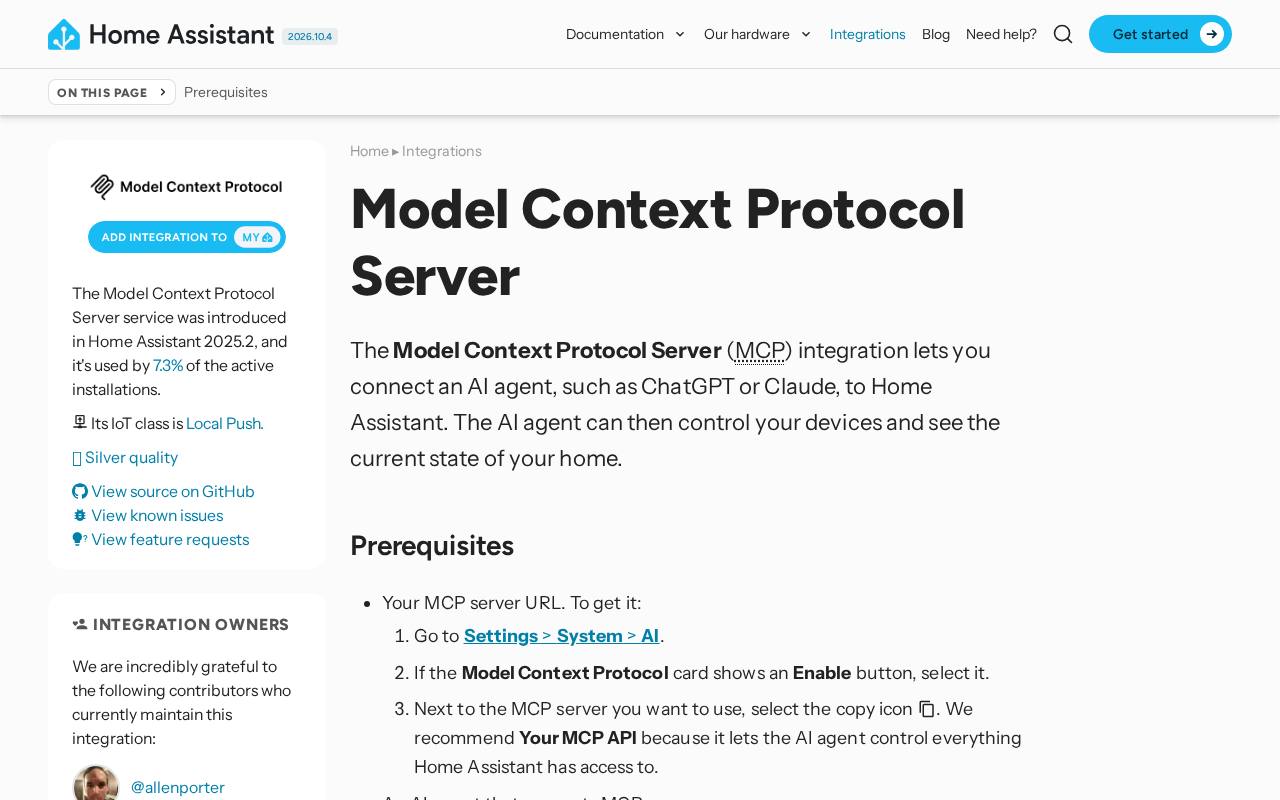
- Home Assistant's built-in MCP server (4.3) controls only the entities you have exposed to Assist, the voice assistant, and signs clients in with OAuth 2.0 and PKCE. Two defaults are loose: it exposes all LLM APIs, including ones added later, and the agent acts with an administrator account. A read-only option was merged in October and documented for the next release. Cloud clients, Claude Desktop included, need your instance reachable from the internet.
- HA-MCP (4.4) is the community server that rewrites your Home Assistant setup, with 86 tools and an administrator token. Through ha_call_service it can call any service, so it can open locks, raise a garage door or disarm an alarm, and it can return camera snapshots. Its guards are a Read Only Mode, a /readonly connection suffix, per-tool disabling, approval policies and automatic backups before edits. By default the connect URL itself is the credential, so anyone who has it controls the house, and the README notes that read-only is a mode, not a weaker secret.
- Google Home MCP Server (3.6) is Google's own hosted endpoint, in US early access for Premium Advanced subscribers at $20 a month. Five of its seven tools only read; run_home_actions sends commands and save_automation writes automations that keep running after the chat ends. Google says the server enforces rate limits and blocks sensitive actions, naming the opening of door locks, but publishes neither the limits nor the full list. There is no local listener, since it runs in Google's cloud.
- Sonoff MCP Server (2.9) switches Sonoff relays and sets thermostats through the eWeLink cloud, with five tools. A relay can sit in front of a lamp, a heater or a pump, so switch_device is as consequential as whatever is wired to it. Sign-in is OAuth with PKCE, but against one shared client ID and secret, and an optional MCP_API_KEY never expires. There are no users, scopes or read-only tools; whoever holds the secret controls every device on the account.
- openskycam (3.7) lets an agent browse a sky camera's footage, run detection workflows and deploy models. Its key design is careful: no key can create keys, Agent keys can be limited to particular cameras, deletes need a preview and a second call that confirms it, and every tool call is logged. What it lacks is a read-only key, so a key covering every camera can call any route, deletes and model deployment included. A separate stdio server can change most settings on Dahua cameras.
The electronics bench
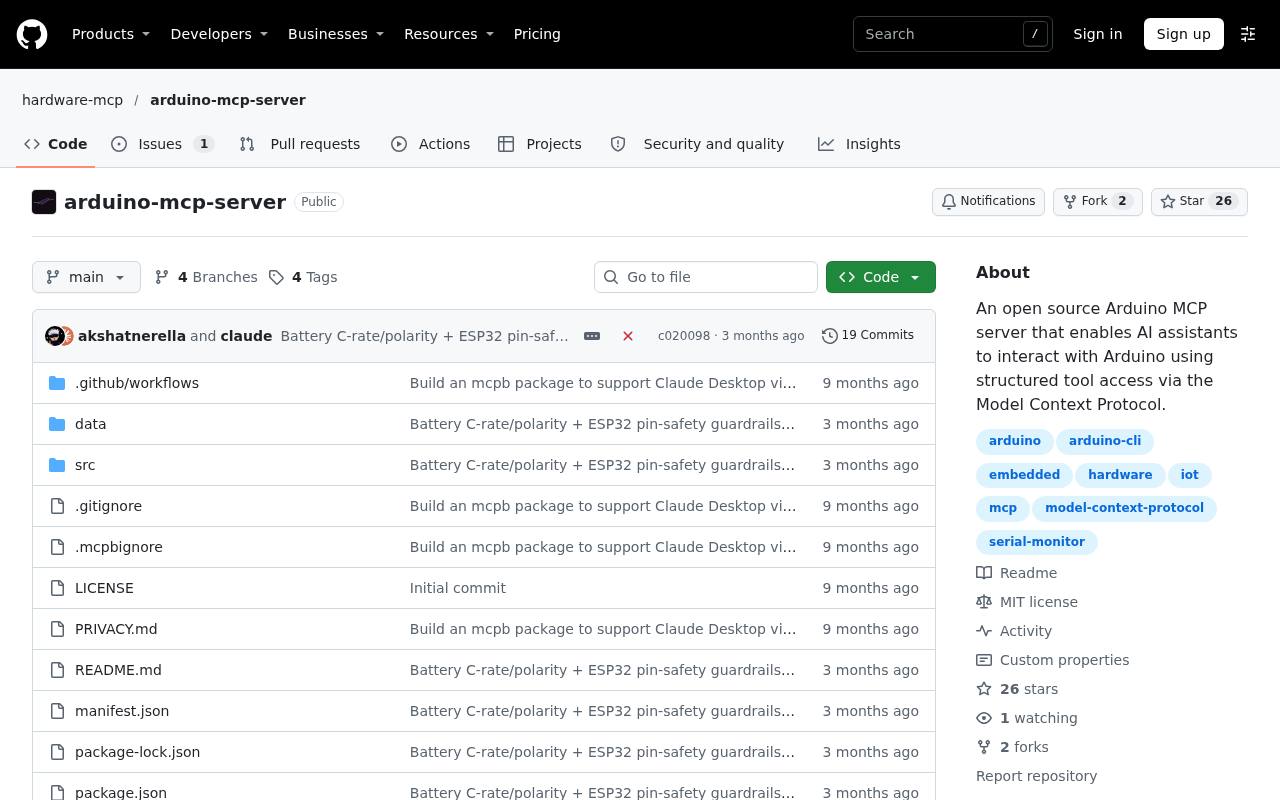
- Arduino MCP Server (3.7) wraps arduino-cli to compile, flash and talk serial, and it puts a safety check in front of uploads and serial writes. An unknown board is refused with BOARD_UNKNOWN, and wiring, power or battery details that look unsafe are refused with SAFETY_PREFLIGHT_BLOCKED. Two limits matter: the pin reference covers 10 boards on the main branch but only 5 in npm 0.2.8, and the check reasons about the wiring the agent describes, not the wiring on your bench. The flag unsafeSkipPreflight=true gets past it. It runs on stdio and opens no port.
- Scope MCP (3.3) lets an agent set up, measure and screenshot a Keysight or Agilent oscilloscope, with 17 tools. It changes only the scope's settings and cannot drive the circuit under test, so the worst wrong call is a lost trigger setup, and there is no confirmation before autoscale. It runs on stdio, opens no port and was tested on one model, the MSOX2024A.
The pattern in one table
| Server | Guard in its own code | Network and access default | Rating |
|---|---|---|---|
| ROS MCP Server | None beyond tool annotations | stdio; rosbridge port 9090 without auth | 3.9 |
| DroneServer | Tiers, confirmation tokens, envelope, geofence | HTTP on 0.0.0.0 without the example .env | 3.7 |
| stackchan-mcp | Servo angle clamps in gateway and firmware | 0.0.0.0, open until a token is set | 3.8 |
| Bagel | Read-only by design, sandboxed SQL | 127.0.0.1:8000, no auth | 4.1 |
| Home Assistant MCP Server | Assist exposure settings | OAuth 2.0 with PKCE | 4.3 |
| HA-MCP | Read-only mode, approval policies, backups | Secret URL is the credential | 4.4 |
| Google Home MCP Server | Door locks blocked, rate limits | Hosted, OAuth | 3.6 |
| Sonoff MCP Server | None | One shared secret for every device | 2.9 |
| openskycam | Per-camera keys, confirmed deletes, audit log | Bearer key, no read-only type | 3.7 |
| Arduino MCP Server | Electrical preflight before uploads | stdio, no port | 3.7 |
| Scope MCP | None; settings only | stdio, no port | 3.3 |
Before you connect anything
- Simulator first. ROS MCP Server ships a Turtlesim Docker example and works with Gazebo and Isaac Sim; DroneServer runs against ArduPilot SITL in Docker. Run every new prompt there before it reaches a motor. Where no simulator exists, as with StackChan, start with hardware that forgives mistakes.
- Read-only where it exists. HA-MCP's /readonly connection, Home Assistant's coming read-only option and Bagel's read-only design answer most status questions. For Google Home, refusing approval for run_home_actions in the client keeps the agent to reading.
- Scoped credentials. Give the agent the narrowest key the server supports: a camera-scoped Agent key in openskycam, a telemetry or control key in DroneServer, a non-admin account for Home Assistant's built-in server, and the dedicated local-only administrator account HA-MCP's README recommends rather than your own. Where one secret controls everything, as with Sonoff MCP Server, keep critical loads off that account. Our glossary entry on agent permissions covers how to limit what a mistaken or manipulated agent can reach.
- Bind to localhost. Check every listener before first use. Set DroneServer's host to 127.0.0.1 or a private tailnet address, set STACKCHAN_TOKEN on both robot and gateway, keep Bagel's 127.0.0.1 prefix, and never put a robot server behind a public tunnel with no authentication. An isolated network for the robot is better still, the same idea as an agent sandbox.
- A person confirms actuation. Anything that moves, switches mains power or flashes firmware should wait for a human in the loop. Our report on who presses yes shows where that prompt really lives and which ones can be switched off, which is why DroneServer's server-side token is worth copying. Keep a physical stop in reach too: DroneServer's own guide ranks its software stop as the weakest of four.
The catch: even the best guard here checks what the model says, not what the world is doing. Arduino MCP Server trusts the wiring the agent describes, DroneServer's preconditions fail open when telemetry goes quiet, and HA-MCP's read-only mode shares a secret with full access. Most of these projects are young, several have one maintainer, and DroneServer, the most careful of them, has been tested only in simulation by its own account.
Our take: treat an MCP server for hardware the way a workshop treats a new apprentice. It can do real work on day one, but it starts on the scrap bench, it never holds the only key, and someone stands next to the big red switch until it has earned trust. The servers that build that supervision into their own code, DroneServer, Arduino MCP Server and openskycam, show it can be done; for the rest, you are the safety layer.